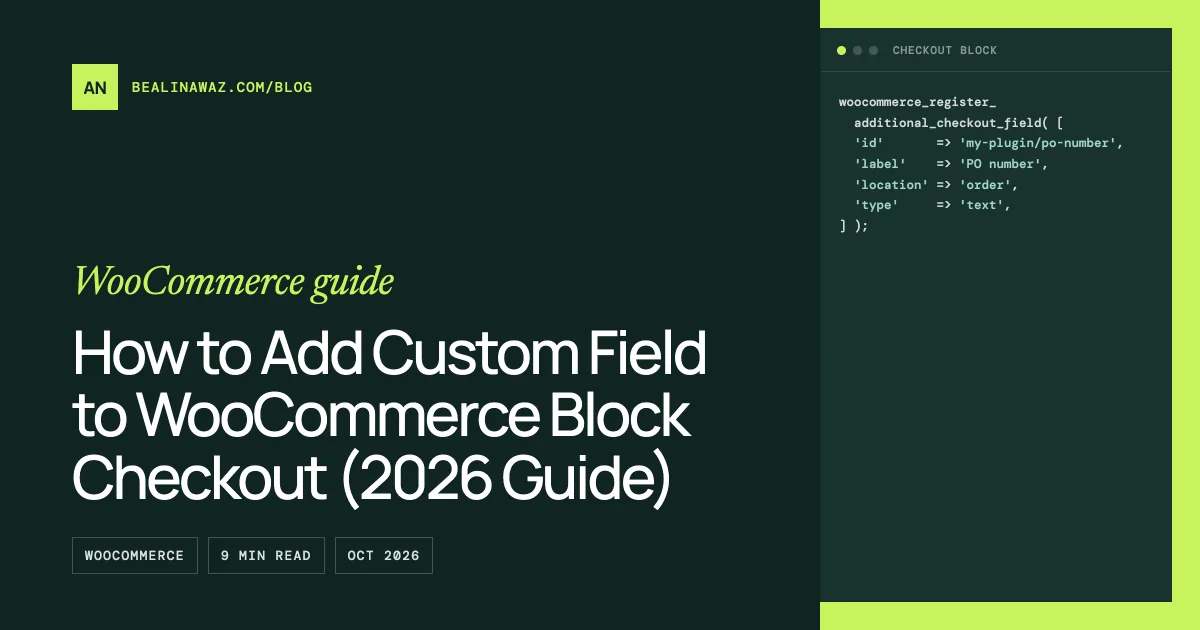
To add custom field to WooCommerce block checkout, register it in PHP with woocommerce_register_additional_checkout_field() on the woocommerce_init action, and pick one of three locations: contact, address or order. Fields added through the old woocommerce_checkout_fields filter or hooks like woocommerce_after_order_notes don't appear on the block checkout, because the Checkout block doesn't render the classic form.
This guide covers why your fields vanished, the registration code, validation, where the saved value shows up, and the cases where the classic shortcode checkout is still the right choice. The API needs WooCommerce 8.9 or newer.
Short answer
- Why fields are missing: the Checkout block builds its form in React and talks to the Store API. Most classic checkout hooks never run there.
- The fix: register each field with
woocommerce_register_additional_checkout_field()inside awoocommerce_initcallback. - Field types:
text,selectandcheckbox. WooCommerce 11.2 addeddate. - Validation: a
validate_callbackon the field, thewoocommerce_validate_additional_fieldaction, or the location hooks for rules that compare fields. - Reading values:
CheckoutFields::get_field_from_object(). Values also appear on the admin order screen, the thank-you page and order emails without extra code.
Why classic checkout fields vanish on the block checkout
Since WooCommerce 8.3 (November 2023), new stores get the Cart and Checkout blocks by default. Stores that were already running kept the shortcode checkout when they updated, so many people only meet the block checkout after a rebuild, a new theme or a fresh install.
The classic checkout is a PHP template. Snippets add fields by filtering woocommerce_checkout_fields or by printing HTML on hooks such as woocommerce_after_order_notes. The Checkout block works differently. WooCommerce's own hook table marks woocommerce_checkout_fields, woocommerce_billing_fields and woocommerce_shipping_fields as only partly supported: you can't edit core fields, and new fields go through the Additional Checkout Fields API. The same table lists woocommerce_after_order_notes, woocommerce_before_order_notes and woocommerce_review_order_before_submit as not supported at all.
Validation and saving break for the same reason. woocommerce_checkout_process validation and order hooks like woocommerce_checkout_order_processed don't fire on the Store API requests the block sends. So an old snippet can fail silently: no field on screen, no error, no saved meta.
Checkout field editor plugins built only for the classic form hit the same wall. If a plugin's fields disappeared after a switch, check whether it says it supports the Checkout block.
How to add custom field to WooCommerce block checkout
Put this in a small plugin, not in your theme's functions.php. Checkout data should survive a theme change. The example adds two fields to the order section: a "How did you hear about us?" select and an optional purchase order number. It also adds a checkbox to the contact section.
<?php
/**
 * Plugin Name: My Checkout Fields
 * Requires Plugins: woocommerce
 */

add_action(
	'woocommerce_init',
	function () {
		if ( ! function_exists( 'woocommerce_register_additional_checkout_field' ) ) {
			return;
		}

		woocommerce_register_additional_checkout_field(
			array(
				'id'       => 'my-plugin/heard-about',
				'label'    => __( 'How did you hear about us?', 'my-plugin' ),
				'location' => 'order',
				'type'     => 'select',
				'required' => true,
				'options'  => array(
					array( 'value' => 'search', 'label' => __( 'Search engine', 'my-plugin' ) ),
					array( 'value' => 'friend', 'label' => __( 'A friend', 'my-plugin' ) ),
					array( 'value' => 'other', 'label' => __( 'Somewhere else', 'my-plugin' ) ),
				),
			)
		);

		woocommerce_register_additional_checkout_field(
			array(
				'id'                => 'my-plugin/po-number',
				'label'             => __( 'Purchase order number', 'my-plugin' ),
				'optionalLabel'     => __( 'Purchase order number (optional)', 'my-plugin' ),
				'location'          => 'order',
				'type'              => 'text',
				'attributes'        => array(
					'maxLength'    => 20,
					'autocomplete' => 'off',
				),
				'sanitize_callback' => function ( $field_value ) {
					return strtoupper( str_replace( ' ', '', $field_value ) );
				},
				'validate_callback' => function ( $field_value ) {
					if ( ! preg_match( '/^[A-Z0-9-]{4,20}$/', $field_value ) ) {
						return new WP_Error(
							'my-plugin-invalid-po',
							__( 'Use 4 to 20 letters, numbers or dashes for the PO number.', 'my-plugin' )
						);
					}
				},
			)
		);

		woocommerce_register_additional_checkout_field(
			array(
				'id'       => 'my-plugin/sms-updates',
				'label'    => __( 'Send me delivery updates by text message', 'my-plugin' ),
				'location' => 'contact',
				'type'     => 'checkbox',
			)
		);
	}
);
A few rules from the docs and the source:
- The ID needs a namespace. It must look like
namespace/name. Without the slash, registration fails with a_doing_it_wrongnotice. label,idandlocationare required. The label is also the placeholder.- The location decides where the value is stored.
contactfields are saved to the customer's account and appear in "Account details".addressfields appear in both the shipping and billing forms and save two values, one per address. You can't show an address field in only one of them.orderfields are saved to the order only, and aren't pre-filled next time. - A field lives in one location. One registration can't render the same field in two places.
requiredset totrueon a checkbox means the shopper must tick it. Adderror_messagefor your own wording.attributeswork on text, checkbox and date fields, not on selects. Supported keys includedata-*,aria-*,autocomplete,pattern,title,maxLengthandreadOnly.- Date fields (WooCommerce 11.2+) store
YYYY-MM-DDand acceptminandmax, either as dates or as relative durations likeP1Dfor tomorrow.
The order fields appear in a separate "Order information" block. It renders as the last step by default, and the store owner can move it in the block editor.
Validate the field
The validate_callback above runs after the sanitize_callback, so it checks the cleaned value. It can return a WP_Error with your message. If it returns false, WooCommerce shows a generic "Please provide a valid…" message instead. In the current Store API code, an empty optional field skips this check, and a required field that's empty gets WooCommerce's own "is required" error.
When the rule belongs somewhere else, for example a separate plugin that adds checks to fields it didn't register, use the action. It must add to the WP_Error it receives. Returning a new error object does nothing.
add_action(
	'woocommerce_validate_additional_field',
	function ( WP_Error $errors, $field_key, $field_value ) {
		if ( 'my-plugin/po-number' !== $field_key ) {
			return;
		}

		if ( 0 === strpos( (string) $field_value, 'TEST' ) ) {
			$errors->add( 'my-plugin-test-po', __( 'Test PO numbers are not accepted.', 'my-plugin' ) );
		}
	},
	10,
	3
);
For rules that compare fields, use woocommerce_blocks_validate_location_{location}_fields. It receives the other additional fields from the same location. For address fields it fires twice, once for billing and once for shipping, and $group tells you which. This example requires the PO number when the shopper picked "Somewhere else", which keeps both fields in the order location:
add_action(
	'woocommerce_blocks_validate_location_order_fields',
	function ( WP_Error $errors, $fields, $group ) {
		$source = $fields['my-plugin/heard-about'] ?? '';
		$po     = trim( (string) ( $fields['my-plugin/po-number'] ?? '' ) );

		if ( 'other' === $source && '' === $po ) {
			$errors->add( 'my-plugin-po-required', __( 'Please add a PO number.', 'my-plugin' ) );
		}
	},
	10,
	3
);
One naming trap: WooCommerce's documentation calls the order-location hook woocommerce_blocks_validate_location_other_fields, but the current source (11.2.1) fires woocommerce_blocks_validate_location_order_fields, which is the name used above. If your rule never runs, check which name your WooCommerce version fires.
Fields from other locations aren't passed to this hook, so a contact field can't be compared with an order field here. Newer releases also accept JSON Schema in required, hidden and validation for conditional rules, which run in the browser and on the server.
Read the value on the order, in admin and in emails
WooCommerce shows the values for you in three places. On the admin order screen, the fields are added to the billing and shipping panels, where you can see and edit them. On the thank-you page and in order emails, contact and order fields appear under "Additional information", and address fields sit with each address. The woocommerce_filter_fields_for_order_confirmation filter (WooCommerce 10.1+) controls which fields show there.
In code, use the helper methods rather than raw meta keys:
use Automattic\WooCommerce\Blocks\Package;
use Automattic\WooCommerce\Blocks\Domain\Services\CheckoutFields;

add_action(
	'woocommerce_store_api_checkout_order_processed',
	function ( WC_Order $order ) {
		$checkout_fields = Package::container()->get( CheckoutFields::class );
		$po_number       = $checkout_fields->get_field_from_object( 'my-plugin/po-number', $order, 'other' );

		if ( $po_number ) {
			$order->add_order_note( sprintf( 'PO number: %s', $po_number ) );
		}
	}
);
Use the group 'other' for contact and order fields, and 'billing' or 'shipping' for address fields. get_all_fields_from_object( $order, 'other' ) returns every registered value at once.
If an email builder or export tool can only read meta, the keys are _wc_other/my-plugin/po-number for contact and order fields, and _wc_billing/... or _wc_shipping/... for address fields. A checkbox read this way returns "1", "0" or an empty string. The docs recommend the helpers because the storage may change.
Need the value under an older meta key that other code already reads? Hook woocommerce_set_additional_field_value and copy it across. You can't choose the meta key at registration.
When to stay on the classic checkout
The API covers most "collect one more thing" jobs. It doesn't cover everything. I'd keep the shortcode checkout, or plan a custom block, when you need to:
- Change or remove core fields such as the company or address line 2. The block doesn't support that through these hooks.
- Use a field type that isn't listed. Only
text,select,checkboxanddateexist, so file uploads, radio groups and textareas are out. - Show an address field in one address only. Address fields always appear in both.
- Print content at a classic hook position, like before the Place Order button.
- Run a classic-only extension your store depends on.
To switch, edit the Checkout page, select the Checkout block, use Transform and choose "Classic Shortcode". Do the same on the Cart page so both match. Fields registered with this API are not added to the shortcode form, so a classic checkout still needs classic hooks.
Common mistakes
- Registering too early. Call the function on
woocommerce_initor later. Since WooCommerce 11.0, registering beforeafter_setup_themetriggers a_doing_it_wrongnotice. - Using the old experimental function.
__experimental_woocommerce_blocks_register_checkout_field()was deprecated in 8.9. - Returning a new
WP_Errorfrom the validate action. Add to the one you're given. - Using
'billing'to read an order field. Order and contact fields live in theothergroup. - Expecting
woocommerce_checkout_create_orderto fire. It doesn't on the block checkout. Usewoocommerce_store_api_checkout_order_processedorwoocommerce_store_api_checkout_update_order_meta. - Generic error codes. Prefix them with your namespace so another plugin's message doesn't overwrite yours.
Frequently asked questions
Why are my checkout fields not showing on the block checkout?
They were most likely added with woocommerce_checkout_fields or a classic template hook. The Checkout block doesn't render those. Register the field with woocommerce_register_additional_checkout_field() instead.
Which WooCommerce version do I need?
WooCommerce 8.9 or newer for the stable function. The date type needs 11.2.
Can I add a field without code?
Yes, if a checkout field editor plugin states it supports the Checkout block. Otherwise this API needs a few lines of PHP.
Can I edit or hide the default billing fields?
Not with this API. It only adds new fields. For deep changes to core fields, the classic checkout is still the practical route.
Is the value saved for returning customers?
Contact and address fields are saved to the customer and pre-filled next time. Order fields are saved to that order only.
Do the fields work in the My Account page?
Yes. Contact fields appear in "Account details" and address fields appear in the address forms, and both run your validation when edited there.
When to get help
If the field is a simple text, select or checkbox value, the code above is usually enough. Things get harder when checkout data feeds an ERP, needs rules across locations, has to match old meta keys, or depends on an extension that only knows the classic form. That's the kind of checkout work I do as part of my WooCommerce development service, from a single field to a full checkout rebuild.