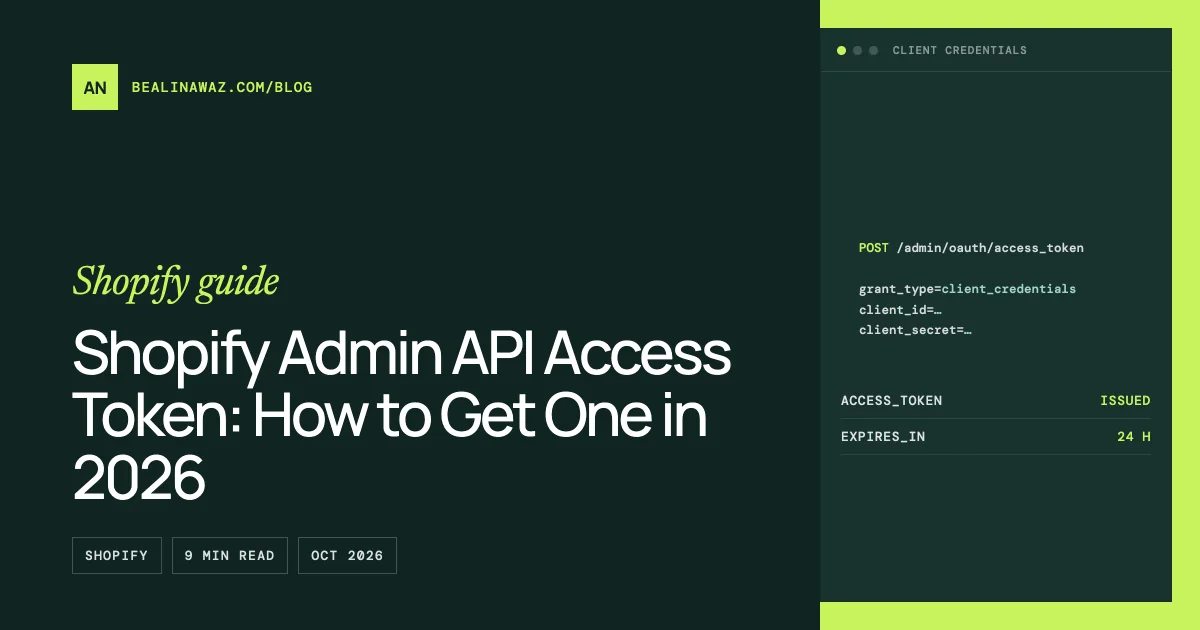
To get a Shopify Admin API access token in 2026, create an app in the Dev Dashboard, release a version with the scopes you need, install it on your store, and exchange the app's client ID and client secret for a token at https://{shop}.myshopify.com/admin/oauth/access_token. That token lasts 24 hours, so your code has to request a new one on a schedule instead of storing it once.
The old way, where you clicked "Develop apps" in the admin and copied a token, is gone for new apps. Shopify stopped the creation of new legacy custom apps on January 1, 2026. If you want the background on that change, read what to do now that legacy custom apps are deprecated. This post is the hands-on part: which method to use, the exact requests, and the errors people hit.
The short answer
- Your own store, server-side code (ERP sync, scripts, automation): use the client credentials grant. Tokens expire after 24 hours.
- An app that runs outside the Shopify admin and installs on other merchants' stores: use the authorization code grant.
- An app embedded in the Shopify admin: use token exchange. If you build with the Shopify CLI, the app template does this for you.
- An old admin-created custom app you already have: keep using its token. Existing apps are unaffected, but don't delete them, because you can't create a replacement.
Which method fits which case
Shopify's authentication overview maps each app type to one method. Here is the same map with the token lifetimes from the access tokens reference.
| Your situation | Method | Token lifetime |
|---|---|---|
| Backend integration on a store in your own organization | Client credentials grant (client ID + secret) | 24 hours (expires_in is 86399), no refresh token |
| Background jobs on stores that installed your app, no merchant session | Client credentials grant with a signed client assertion (application-only tokens) | Up to 1 hour for public distribution apps, 24 hours for other apps |
| Standalone or API-only app installed by other merchants | Authorization code grant | Expiring offline token: 1 hour, plus a refresh token valid for 90 days |
| Embedded app inside the Shopify admin | Token exchange | Offline (expiring: 1 hour) or online (24 hours, or until the user logs out) |
| App scaffolded with Shopify CLI | Managed installation + token exchange, handled by the template | Same as token exchange |
| Admin-created custom app made before 2026 | Token generated by Shopify at install | Shown only once, so store it when you see it |
One date matters for public apps: they must use expiring offline tokens for GraphQL Admin API requests by January 1, 2027. The access tokens page says this doesn't apply to custom apps or merchant-created apps. If you're not sure whether you need a custom or a public app in the first place, start with Shopify custom app vs public app.
How to get a Shopify Admin API access token with the client credentials grant
This is the route most store owners and developers want: one store, one backend, no screens inside Shopify. Shopify's Dev Dashboard guide covers the clicks. The token request comes from the client credentials grant page.
Step 1: Check that you can open the Dev Dashboard
Go to dev.shopify.com/dashboard. You need app development permissions: the "Organization administrator" or "App developer" role, or on Shopify Plus a custom role with "Build and manage apps". If the dashboard says "No developer access yet", that's the problem, not your code.
Step 2: Create the app
Select Apps, then Create app, then Start from Dev Dashboard. Name the app and select Create.
Step 3: Create and release a version
On the Versions page, set the App URL. For an app that isn't embedded in the admin, Shopify suggests https://shopify.dev/apps/default-app-home. Pick the Webhooks API version and the scopes the integration needs, then select Release. Ask for the narrowest scopes that work. Protected customer data needs separate approval.
Step 4: Install the app on your store
Open the app, select Install app in the Installs card, choose the store, and select Install. The store has to belong to the same organization as the app. More on that under common mistakes.
Step 5: Copy the client ID and client secret
In the app, open App settings. The Credentials card shows the Client ID and Client secret. Treat the secret like a password. I usually keep it in the server's environment variables or a secrets manager, never in the code repository.
Step 6: Request the token
Send a POST with a form-encoded body. {shop} is the store's subdomain, without .myshopify.com. Don't send a scope field: Shopify ignores it, and the token carries every scope the store granted to your installation.
curl -X POST "https://your-store.myshopify.com/admin/oauth/access_token" \
  -H "Content-Type: application/x-www-form-urlencoded" \
  -d "grant_type=client_credentials" \
  -d "client_id=YOUR_CLIENT_ID" \
  -d "client_secret=YOUR_CLIENT_SECRET"
The response has three fields: access_token, scope (the scopes granted on the store) and expires_in, which is always 86399 seconds for this grant.
{
  "access_token": "...",
  "scope": "read_products,write_orders",
  "expires_in": 86399
}
Step 7: Call the Admin API
Send the token in the X-Shopify-Access-Token header. Here's a test query against the GraphQL Admin API. I've used 2026-10, the latest stable version as of today. Each stable version is supported for at least 12 months.
curl -X POST "https://your-store.myshopify.com/admin/api/2026-10/graphql.json" \
  -H "Content-Type: application/json" \
  -H "X-Shopify-Access-Token: YOUR_ACCESS_TOKEN" \
  -d '{"query": "{ shop { name } }"}'
If you get the shop name back, the setup works.
Refreshing the token automatically
A client credentials token has no refresh token. When it expires, you request a new one with the same client ID and secret. The pattern in Shopify's official example is to cache the token and fetch a new one about a minute before expires_in runs out. Read expires_in from the response rather than hard-coding 24 hours.
Here is that pattern in Node.js, using the built-in fetch. It also shares one in-flight request, so ten jobs starting at once don't ask for ten tokens.
const SHOP = process.env.SHOPIFY_SHOP; // subdomain only, e.g. "your-store"
const CLIENT_ID = process.env.SHOPIFY_CLIENT_ID;
const CLIENT_SECRET = process.env.SHOPIFY_CLIENT_SECRET;

let token = null;
let tokenExpiresAt = 0;
let pending = null;

async function requestToken() {
  const response = await fetch(`https://${SHOP}.myshopify.com/admin/oauth/access_token`, {
    method: "POST",
    headers: { "Content-Type": "application/x-www-form-urlencoded" },
    body: new URLSearchParams({
      grant_type: "client_credentials",
      client_id: CLIENT_ID,
      client_secret: CLIENT_SECRET,
    }),
  });
  if (!response.ok) throw new Error(`Token request failed: ${response.status}`);

  const { access_token, expires_in } = await response.json();
  token = access_token;
  tokenExpiresAt = Date.now() + expires_in * 1000;
  return token;
}

async function getToken() {
  if (token && Date.now() < tokenExpiresAt - 60_000) return token;
  if (!pending) pending = requestToken().finally(() => (pending = null));
  return pending;
}

async function adminGraphql(query, variables = {}) {
  const response = await fetch(`https://${SHOP}.myshopify.com/admin/api/2026-10/graphql.json`, {
    method: "POST",
    headers: {
      "Content-Type": "application/json",
      "X-Shopify-Access-Token": await getToken(),
    },
    body: JSON.stringify({ query, variables }),
  });
  if (!response.ok) throw new Error(`GraphQL request failed: ${response.status}`);

  const { data, errors } = await response.json();
  if (errors?.length) throw new Error(`GraphQL errors: ${JSON.stringify(errors)}`);
  return data;
}
An in-memory cache is fine for one long-running process. If the integration runs as several workers or as serverless functions, each one starts cold. In that case I usually keep the token and its expiry time in a shared store such as Redis, so every worker reuses the same token until it's close to expiring.
Common mistakes
shop_not_permitted. The full message is "Oauth error shop_not_permitted: Client credentials cannot be performed on this shop." The client credentials grant only works when the app and the store belong to the same Shopify organization. Owning the store or installing the app isn't enough, and a store created from the Shopify admin, rather than the Dev Dashboard, isn't in your organization. For a client's store, either the app is created inside the client's organization, or you switch to the authorization code grant or token exchange.
"Invalid API key or access token". This usually means the client ID or client secret went straight to the GraphQL Admin API. Exchange them for an access token first, then send that token in the header.
Trying to add scopes in the token request. The scope field is ignored. To change scopes, release a new app version with the new scopes, then approve the change on the store. Scope updates aren't applied automatically.
Putting the full domain in the shop variable. The code above adds .myshopify.com itself. Setting SHOPIFY_SHOP to your-store.myshopify.com produces a broken URL.
Pasting a token into a tool that never refreshes it. Many connectors still ask you to "copy a token". A 24-hour token pasted into one will work for a day and then fail. Check whether the tool supports Dev Dashboard credentials, or put a small service in front of it that refreshes the token.
Deleting a working legacy app. If an admin-created custom app still works, leave it. Its token was shown only once. If it's lost, Shopify says to uninstall and reinstall the app to get a new one. Deleting it means rebuilding under the new model.
FAQ
Can I still create a custom app in the Shopify admin?
No. Since January 1, 2026, new apps are created in the Dev Dashboard or with the Shopify CLI. Apps created in the admin before that date keep working.
How long does a Shopify client credentials token last?
24 hours. The response's expires_in is 86399 seconds, and there's no refresh token. Request a new token with the same client ID and secret before the old one expires.
Where do I find the client ID and client secret?
In the Dev Dashboard, open your app and go to App settings. Both are in the Credentials card.
Can I use the client credentials grant on a client's store?
Only if the app and the store are in the same Shopify organization. Otherwise you get shop_not_permitted. The usual options are to create the app in the client's organization, where they can give you the "App developer" role, or to use the authorization code grant.
Does the Shopify CLI give me an access token?
Not one you copy. A CLI app uses managed installation and token exchange. In the template, authenticate.admin(request) validates the request, performs token exchange and returns an authenticated Admin API client. You start with shopify app init and run it locally with shopify app dev, as the scaffold guide shows.
Do public apps need expiring tokens?
Yes, for GraphQL Admin API requests by January 1, 2027. Expiring offline tokens last one hour and come with a refresh token valid for 90 days. Custom apps and merchant-created apps are exempt.
When to get help
If you only need a script that reads products from your own store, the steps above are enough. It gets harder when the integration runs on a client's store, needs webhooks, has several workers sharing one token, or has to replace a legacy app without downtime. That's the work I do in Shopify app development. I set up the app, the scopes and the token handling, and leave you with code you can read. As a registered Shopify Partner, I can also tell you early whether you need a custom app or a public one.