Application compute and networking
The app running on a managed container service or a virtual machine, with networking set so only the load balancer faces the internet.
Engineering service / Ali Nawaz
I deploy web applications on AWS and Google Cloud, using managed services where they save you work: container platforms for the app, managed databases, object storage for files and a CDN in front. The aim is the smallest setup that fits your traffic and team, with costs you can predict and access that's locked down.
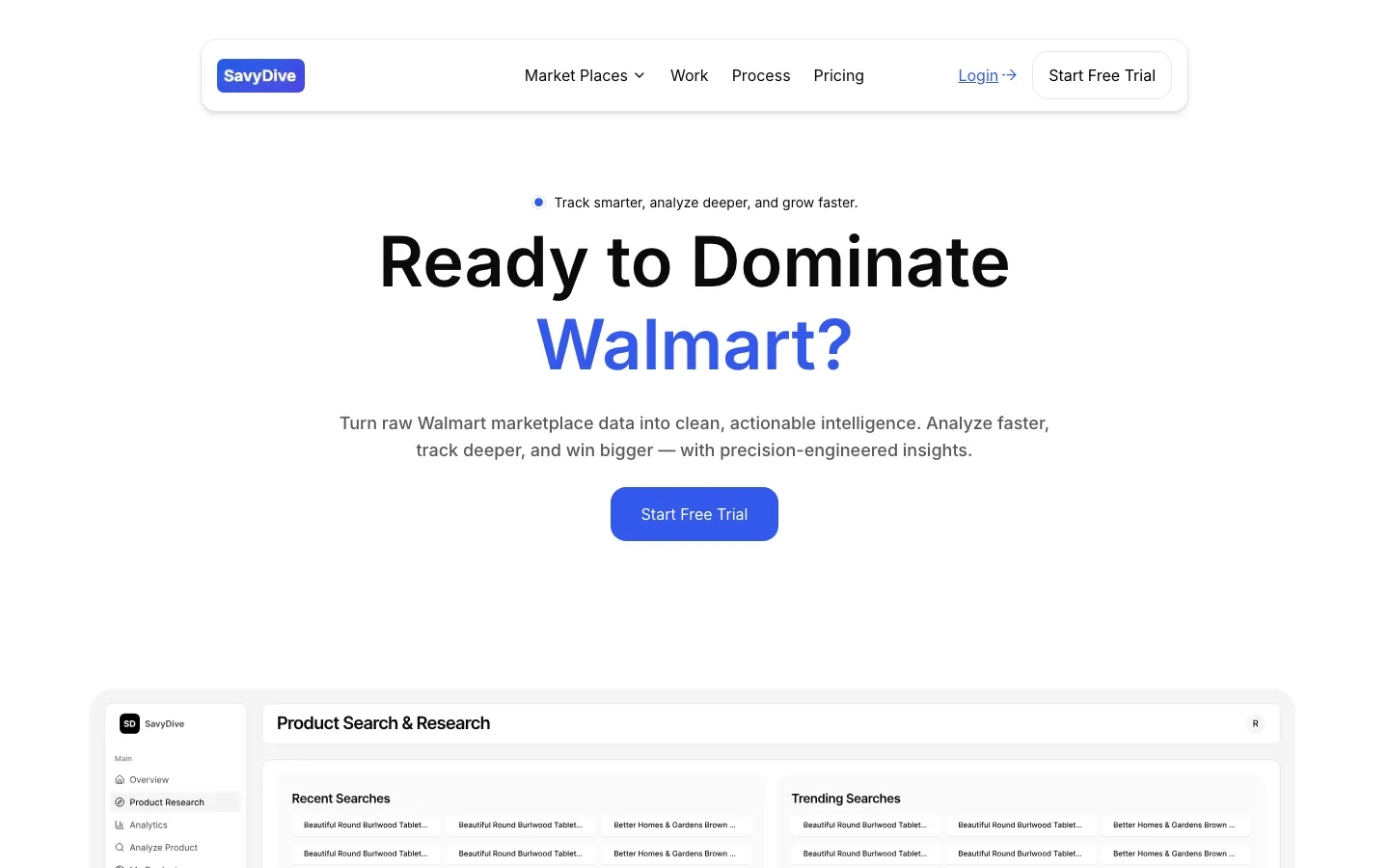 Enlarge screenshot: SavyDive homepage hero
Recent project
SavyDive
SaaS product
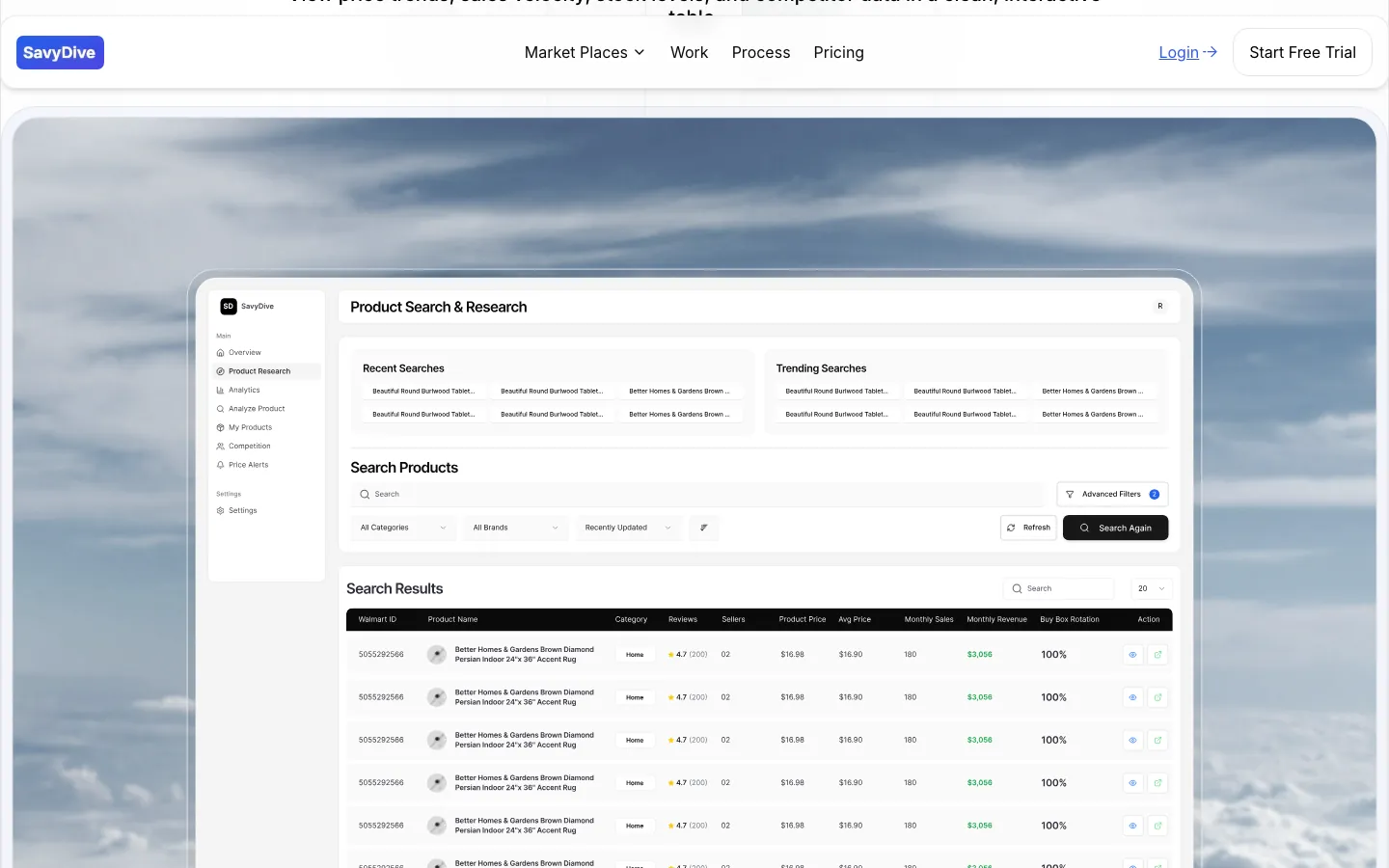
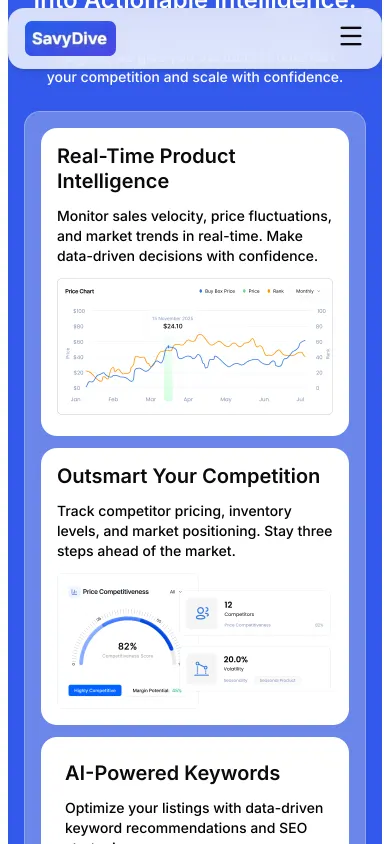
Product research dashboard. A data-rich research dashboard that lets sellers search, filter and compare Walmart products in one table.
Read the case studyThe approach
Cloud platforms offer hundreds of services, and each one you add has a monthly cost and something to maintain. I start from how the app actually runs, how much downtime you can tolerate and who will look after it, then choose the fewest services that cover it. Scaling options get added when traffic shows they're needed.
You work directly with me from requirements through launch. That keeps product context close to technical decisions and avoids the gaps that appear when strategy, interface, backend, and deployment are treated as separate problems.
What I can build
The scope is shaped around your users, operating reality, and the smallest responsible path to value.
The app running on a managed container service or a virtual machine, with networking set so only the load balancer faces the internet.
A managed PostgreSQL or MySQL instance with automated backups, reachable only from the app.
Uploads and media in object storage, served through a CDN, with private files shared through short-lived signed links.
Separate staging and production projects or accounts, deploys from your repository, and secrets held in the platform's secret manager.
Security
Most cloud security problems come from settings, not exotic attacks. These are on by default in my setups.
| Setting | What it prevents |
|---|---|
| Separate accounts or projects for staging and production | A test mistake touching live data |
| Least-privilege roles for the app and each person | One leaked key exposing the whole account |
| Multi-factor sign-in on every human account | Account takeover through a reused password |
| Database with no public address | Direct attacks on the database from the internet |
| Storage buckets private by default | Customer files becoming publicly readable |
| Secrets in the platform's secret manager | Credentials leaking through code or logs |
| Budget alerts | A runaway bill going unnoticed until the invoice arrives |
Which platform
Both run web applications well, so the choice usually comes down to what you already have. If your team or other systems already use AWS, staying there keeps billing, access and support in one place. On Google Cloud, Cloud Run is a simple way to run a containerized app: it scales with requests and can scale to zero when there's no traffic, so a quiet app or a staging copy costs little.
On AWS, I'd look at Lightsail for small, predictable apps, and containers on ECS with an RDS database when the app needs more. You see the options side by side before we commit.
Cost control
Surprise bills usually come from a few places: databases sized for traffic that never came, idle servers left running, large data transfer out, and logs kept forever. I size resources from real usage, set retention on logs and backups, and turn on budget alerts so you're warned by email before a bill grows.
I also tag every resource by app and environment, so the monthly invoice shows what each part of the system costs.
Moving
A move starts with mapping what the app depends on: the runtime, the database, files on disk, cron jobs, email sending, and any hard-coded paths or IP addresses. Files on the server's disk usually move to object storage, and cron jobs become scheduled tasks. I rebuild the app in the new environment, copy the data, test on a temporary address, and switch DNS once everything checks out.
What the work should create
Pricing
How pricing works
Client feedback
Reviews from clients I have worked with remotely, quoted as they wrote them.
The process
You get a senior engineering partner—not a black box. The process stays direct, collaborative, and focused on outcomes.
Clarify the problem, users, constraints, and measure of success.
Shape the right product, technical plan, and delivery path.
Create in focused iterations with quality visible at every step.
Test, deploy, measure, and improve with confidence.
Common questions
It depends on what you already use, how the app runs, which data services it needs, your team's experience, any compliance needs and your budget. I can outline a practical setup on each and compare them.
Yes. I map the runtime and data dependencies, plan the move in stages, test the new environment on a temporary address, and keep the cutover short.
For a small, steady app it often is. It earns its cost when you need managed backups, automatic scaling, less server upkeep, or services that are hard to run yourself. I'll show you monthly estimates for both.
For setups with more than a few resources, yes. Defining them in code keeps staging and production matched and lets the setup be rebuilt from scratch. For a single small service, the console plus written notes can be enough.
The cost depends on the services you use, the number of environments, and the security, monitoring and deployment setup, and every job gets a fixed quote in US dollars. Cloud usage is billed by AWS or Google directly to your account.
You do. I work through an access role or user you create for me, and you can revoke it once the handover is done.
Launch includes 15 days of free support, and ongoing care is available monthly or per task. Payment is half upfront and half after you've checked the final setup.
Start a conversation
Tell me what you’re building, where you are in the process, and what success looks like. I’ll get back to you with a clear next step within 24 hours.
ali@bealinawaz.com