Custom admin workflows
Admin screens, list tables, and settings pages for tasks your team repeats, such as approving submissions, assigning orders, or editing records in bulk.
Engineering service / Ali Nawaz
I write custom WordPress plugins for features your site needs that no existing plugin does well, or that you'd rather own than rent. I also publish 15 free, open-source plugins, so the same standards apply to private client work: WordPress coding standards, capability checks, nonces, escaped output, and code that keeps working through core updates.
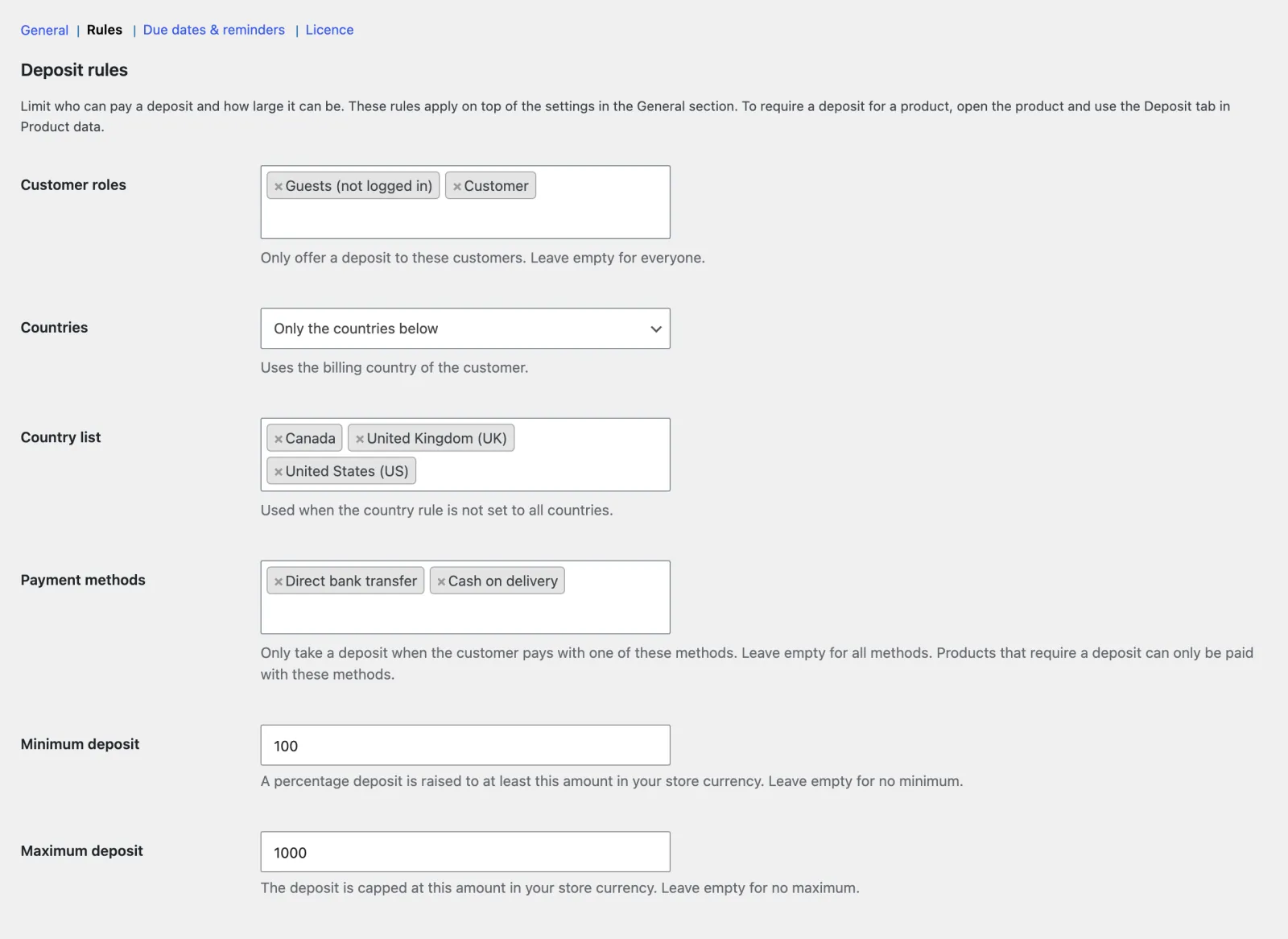 Enlarge screenshot: Deposit rules
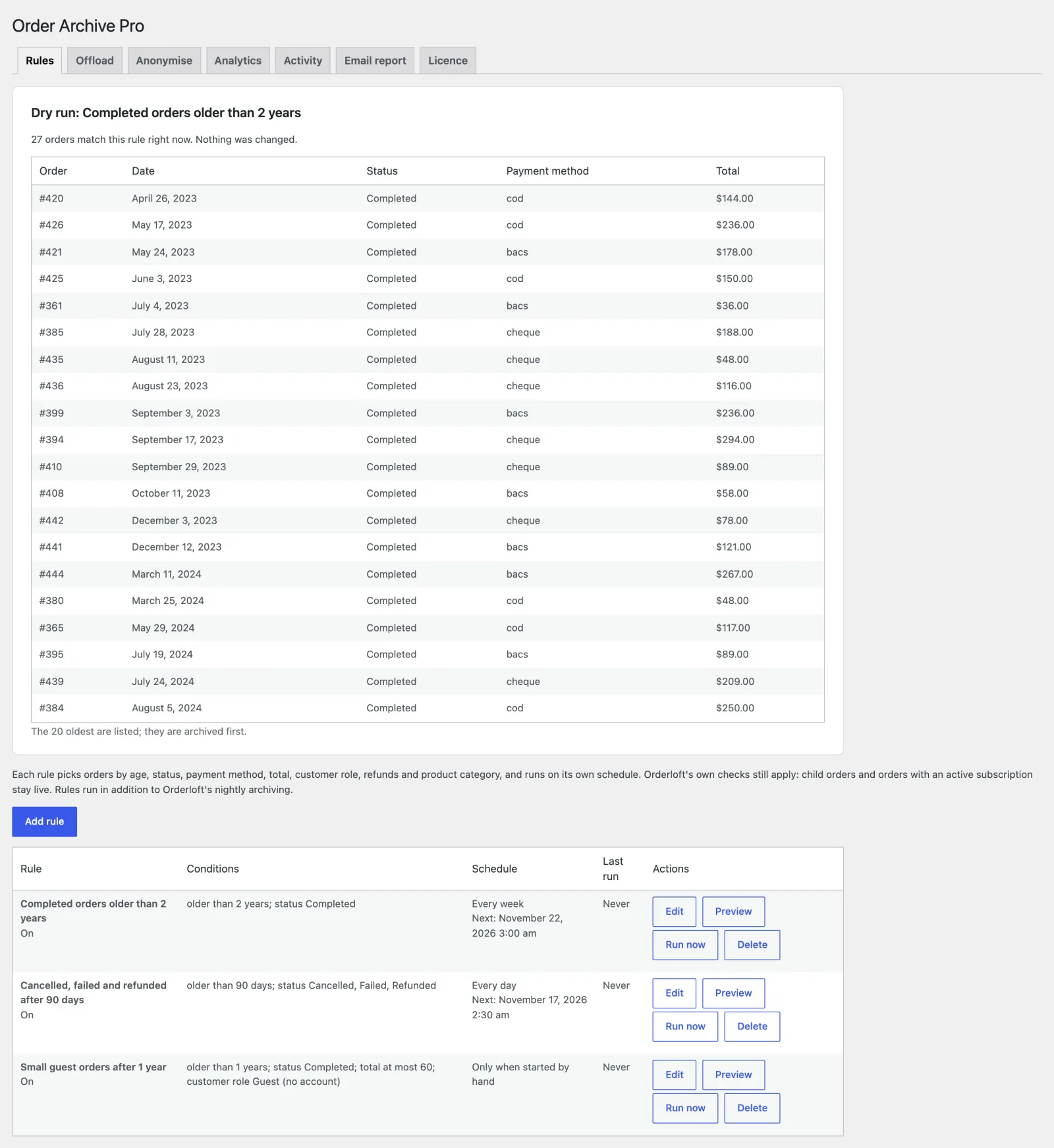
Recent project
Orderloft Pro
My own WooCommerce plugin
Archive rules with a dry run. Preview exactly which orders a rule will archive before anything moves.
See Orderloft ProThe approach
Reliable plugin work begins with boundaries: what data the plugin owns, which WordPress APIs it uses, how permissions work, and what happens when an external service fails. Those decisions keep custom functionality supportable.
You work directly with me from requirements through launch. That keeps product context close to technical decisions and avoids the gaps that appear when strategy, interface, backend, and deployment are treated as separate problems.
What I can build
The scope is shaped around your users, operating reality, and the smallest responsible path to value.
Admin screens, list tables, and settings pages for tasks your team repeats, such as approving submissions, assigning orders, or editing records in bulk.
Plugins that send and receive data from a CRM, ERP, payment provider, or your own API, with credentials stored safely and failed requests logged and retried.
CSV and API imports, scheduled syncs, and exports, processed in background batches so large jobs don't time out the admin.
Front-end features such as member areas, account dashboards, custom forms, and quote flows, with roles and permissions checked on the server.
Cost drivers
There's no price list. These are the factors I weigh when I turn a plugin spec into a fixed quote.
| Factor | Why it matters |
|---|---|
| Who uses it | Customer-facing features need more validation, testing, and design than admin-only tools |
| Data it stores | Custom tables, migrations, and exports take more work than a few settings |
| Outside services | Each API adds authentication, error handling, and testing against the other system |
| Volume | Thousands of records need background processing instead of a single request |
| Compatibility | Support for WooCommerce HPOS, the block checkout, or multisite adds test cases |
| Distribution | A plugin for the public or for sale needs settings, translations, and docs written for strangers |
Build or buy
If an established plugin already does nearly all of the job, buying it is usually cheaper, and I'll tell you which one I'd trust. A custom plugin makes sense when the feature is central to how you make money, when existing plugins need three add-ons and a workaround to get close, or when a subscription will cost more over a few years than building the feature once.
There's a middle path too. Many good plugins offer hooks and filters, and a small companion plugin can change their behavior without editing their files. That keeps the main plugin updatable and is often the cheapest fix of all.
Scope
I write the plugin's spec in plain English before quoting: who uses each screen, what data it stores and where, which roles can see or change it, what happens when an outside service is down, and what the plugin leaves behind if it's uninstalled. You confirm the spec, and the fixed quote is based on it.
The spec usually moves the price more than the code does. A feature only admins use is simpler than one customers use, because public input needs more validation and testing. Integrations cost more when the other system's API is poorly documented, so I read its docs before quoting.
Security
Most plugin vulnerabilities come from the same few mistakes: missing permission checks, missing nonces on forms and AJAX calls, unsanitized input, and output printed without escaping. I check capabilities on every action, verify a nonce on every request that changes data, sanitize input, escape output, and use prepared statements for custom queries.
Personal data is stored only when it's needed. My German ID Age Verification for WooCommerce plugin, for example, checks ID card numbers at checkout and never saves them. Client plugins follow the same rule, and API keys stay out of the page source.
Public or private
Most client plugins stay private and run only on your site. If you want to publish one on WordPress.org, the directory requires a GPL-compatible license, no tracking without the user's consent, and no executable code loaded from outside services. SubmitDock, Halfway, WP to Firebase, WakeChef Cook Mode, and Orderloft are my plugins listed there.
Either way, you get the source code, a readme with setup steps, and a changelog. Payment is 50% to start and 50% after you've tested the plugin on staging, and 15 days of free support follow launch.
What the work should create
Pricing
How pricing works
Proof of work
All 15 are free and open source, so you can read the code before you hire me. See every plugin.
Client feedback
Reviews from clients I have worked with remotely, quoted as they wrote them.
The process
You get a senior engineering partner—not a black box. The process stays direct, collaborative, and focused on outcomes.
Clarify the problem, users, constraints, and measure of success.
Shape the right product, technical plan, and delivery path.
Create in focused iterations with quality visible at every step.
Test, deploy, measure, and improve with confidence.
Common questions
Yes, when the plugin offers safe extension points. I prefer hooks and documented APIs over changes that prevent future updates.
Yes. I develop authenticated API connections, webhooks, scheduled synchronization, and admin tools for monitoring data flow.
The cost depends on the features, the settings screens, the integrations, and whether the plugin is for one site or for distribution; a fix to an existing plugin is far smaller than a new one. Each plugin gets a fixed quote in US dollars after I write its spec and you approve it.
A focused plugin with one admin screen can take days. A plugin with integrations and customer-facing screens takes weeks. The timeline is part of the quote, and I'll tell you upfront if your deadline doesn't fit.
It shouldn't, because I build on WordPress's public APIs rather than core internals. A maintenance plan after launch includes testing the plugin against new WordPress and WooCommerce releases.
Yes. Once the project is paid, the code is yours, licensed under the GPL like WordPress, with no license key tying it to me.
Yes. I read the code, find the bug or conflict, and fix it with the smallest safe change. If I find security problems, I list them and quote the fixes separately.
Yes. All 15 free plugins are listed on my WordPress Plugins page, with links to WordPress.org or GitHub, where you can install them and read the code.
Start a conversation
Tell me what you’re building, where you are in the process, and what success looks like. I’ll get back to you with a clear next step within 24 hours.
ali@bealinawaz.com