Custom content and editorial workflows
Custom post types, fields, and statuses for content that isn't a blog post, with review and approval steps before anything is published.
Engineering service / Ali Nawaz
Custom WordPress development is for sites where the business logic is the hard part: a directory with paid listings, a portal where each client sees their own documents, an editorial workflow with approval steps, or records that must stay in sync with another system. I design and build that logic on WordPress, using its own APIs, and you own all of the code.
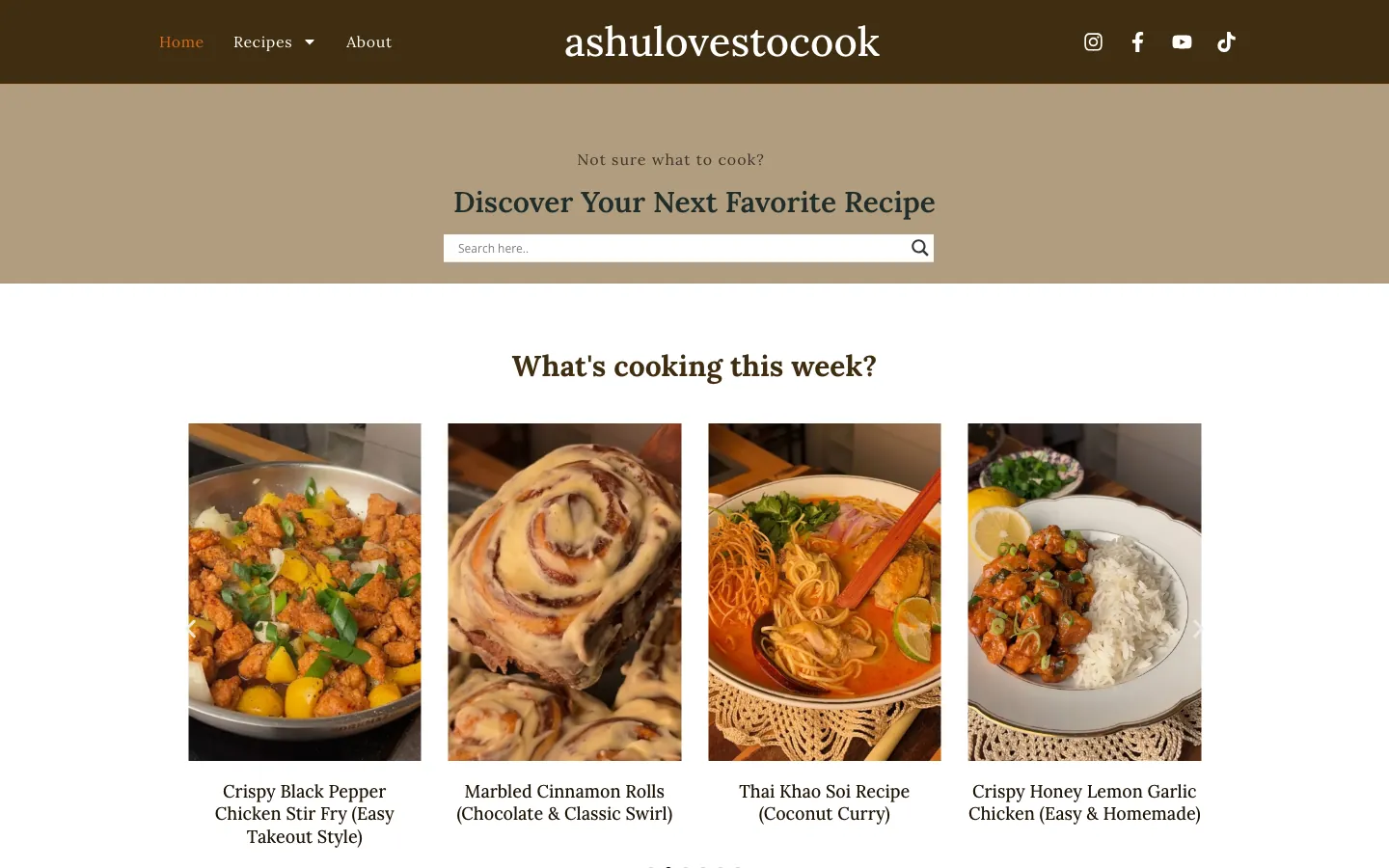 Enlarge screenshot: Recipe blog homepage
Recent project
Ashu Loves To Cook
WordPress + Elementor site
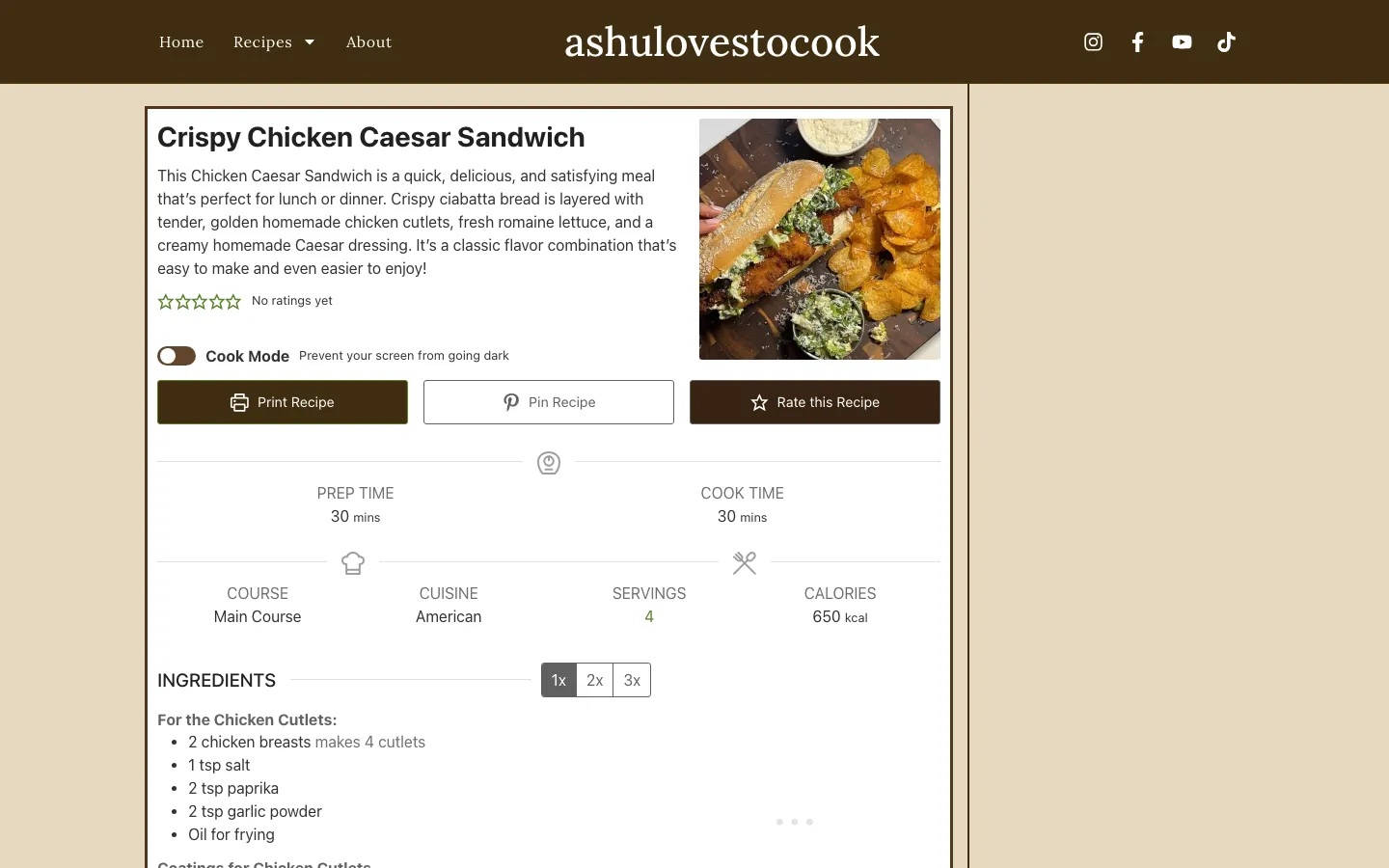
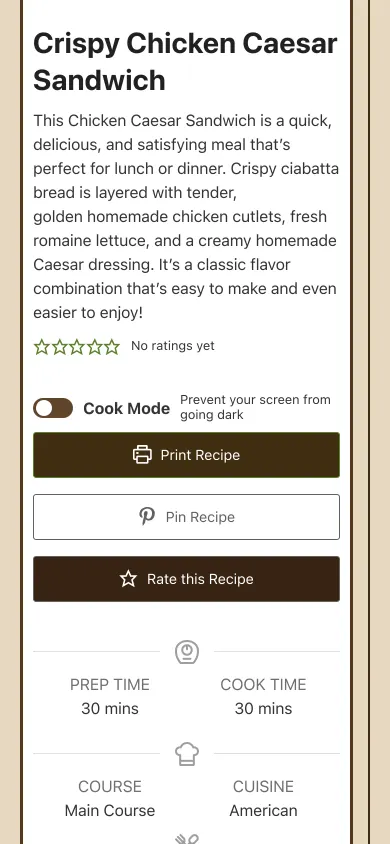
Recipe card with cook mode. Recipe cards with Recipe schema, print and star ratings, plus the custom cook mode switch that keeps the screen awake.
Read the case studyThe approach
A custom build should reduce complexity, not hide it behind dozens of dependencies. I map the content, permissions, data flows, and editor needs before choosing what belongs in the theme, a plugin, or an external service.
You work directly with me from requirements through launch. That keeps product context close to technical decisions and avoids the gaps that appear when strategy, interface, backend, and deployment are treated as separate problems.
What I can build
The scope is shaped around your users, operating reality, and the smallest responsible path to value.
Custom post types, fields, and statuses for content that isn't a blog post, with review and approval steps before anything is published.
Directories, member areas, and client portals where each user sees only their own records, with registration, profiles, and paid access where needed.
Two-way connections with CRMs, payment providers, and booking or inventory systems, using webhooks where they exist and scheduled syncs where they don't.
Admin screens and reports built around the questions your team asks every week, instead of exporting everything to a spreadsheet.
Common requirements
These come up often. Each one uses WordPress's own building blocks, so the result works with the admin, search, and the REST API.
| Requirement | How I build it |
|---|---|
| Business directory or listings | A custom post type, taxonomies for filters, and front-end submission with review |
| Client portal | Custom roles, per-user records, and protected file downloads |
| Approval workflow | Custom post statuses with email notifications at each step |
| Booking or quote requests | A custom form flow saved as records and synced to your calendar or CRM |
| High-volume records | Custom database tables with indexes, and admin list screens to manage them |
| Data from another system | REST API endpoints, webhooks, and scheduled syncs with logs |
Data model
Before any screen is designed, I write down what the system stores: the record types, their fields, how they relate, and who creates each one. In WordPress, most records become custom post types with taxonomies and meta fields, which keeps them compatible with search, revisions, the REST API, and the admin. Records with very high volume or many relations, such as bookings or transactions, sometimes belong in custom tables instead, because post meta gets slow to query at scale.
This decision is hard to change later, so it's where I spend the most time. A wrong choice shows up a year in, as slow admin screens or reports that can't be built.
Permissions
WordPress has roles and capabilities built in, and custom systems usually need their own: a client who can see their documents, a staff member who can edit listings but not publish them, a manager who approves. I create those roles with only the capabilities they need and check them on the server for every action, not just by hiding buttons.
For portals, I also decide where private files live. Files in the media library can be opened by anyone who has the link, so documents for a single client go into a protected folder and are served only after a permission check.
Integrations
Every outside system goes down sometimes, changes its API, or sends the same webhook twice. A custom integration has to handle all three. I queue outgoing requests and retry failures in the background, make incoming webhooks safe to receive twice, and log every sync so your team can see what happened without asking me.
My WP to Firebase plugin works this way: products, orders, and users are sent in background batches and updated a few seconds after they change. The same pattern carries over to CRMs, ERPs, and booking tools.
Right base
Not every custom requirement belongs in WordPress. If most of the product is logged-in software, with dashboards, real-time updates, and complex permissions, and only a small part is public content, a custom app in React or Next.js with a Node.js backend and PostgreSQL is usually simpler to build and run. WordPress can still run the marketing pages or act as a headless content source.
I build both, so I have no reason to push one. I'll recommend the base that keeps your total cost lowest over the next few years, and explain the reasoning in the quote.
What the work should create
Pricing
How pricing works
Proof of work
All 15 are free and open source, so you can read the code before you hire me. See every plugin.
Client feedback
Reviews from clients I have worked with remotely, quoted as they wrote them.
The process
You get a senior engineering partner—not a black box. The process stays direct, collaborative, and focused on outcomes.
Clarify the problem, users, constraints, and measure of success.
Shape the right product, technical plan, and delivery path.
Create in focused iterations with quality visible at every step.
Test, deploy, measure, and improve with confidence.
Common questions
It is a strong fit when the website has unique content, integrations, permissions, or business logic that standard themes and plugins cannot support cleanly.
No. I build with WordPress conventions, document important decisions, and keep the system maintainable for another capable developer.
The price follows the data model, roles, and integrations. I quote a fixed price in US dollars after we've written up the requirements together.
Yes. Most custom work is added to a live site as a plugin, built and tested on a staging copy first, so your current site keeps running.
Both, depending on the project. ACF is fine for editor fields on a content site. For core business data, I often register fields in code so the structure is versioned with the rest of the plugin.
It is when it's written carefully. I check permissions on every action, validate input, escape output, and keep private files out of public folders.
If the data model is clean, records can move to a separate app later through the REST API. I'll flag it early if the requirements already point that way.
Yes. I build every site from scratch, theme and plugins included, rather than starting from a purchased template.
Start a conversation
Tell me what you’re building, where you are in the process, and what success looks like. I’ll get back to you with a clear next step within 24 hours.
ali@bealinawaz.com