Linux server preparation
A fresh Ubuntu server with a non-root user, SSH keys only, a firewall that opens just the ports the app needs, and automatic security updates.
Engineering service / Ali Nawaz
I set up VPS servers on DigitalOcean and Contabo and deploy web applications onto them: Linux, a firewall, Nginx, SSL, Node.js or PHP, the database, process management and backups. You get a server you own, a fixed monthly bill from the provider, and notes explaining every part of the setup.
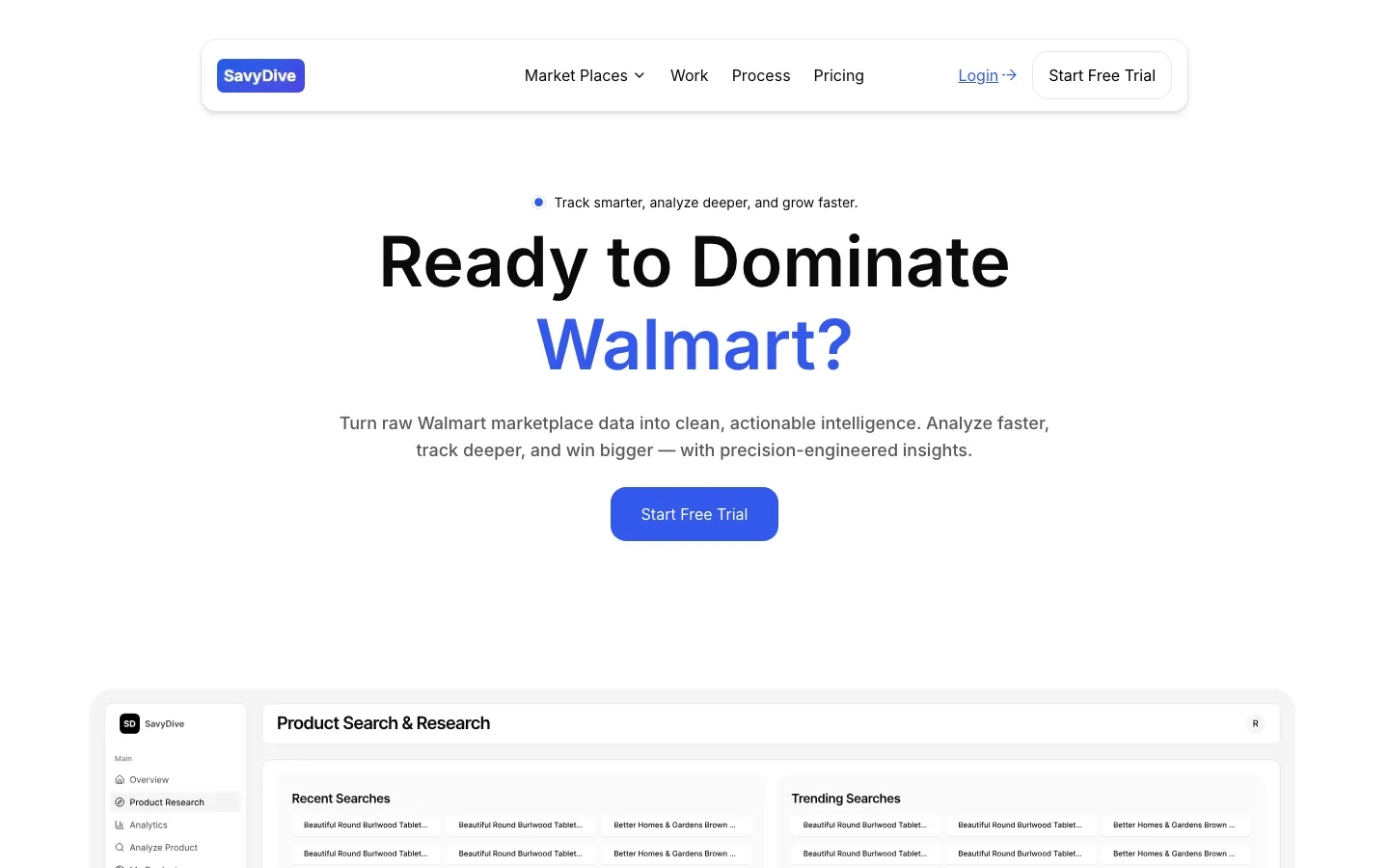 Enlarge screenshot: SavyDive homepage hero
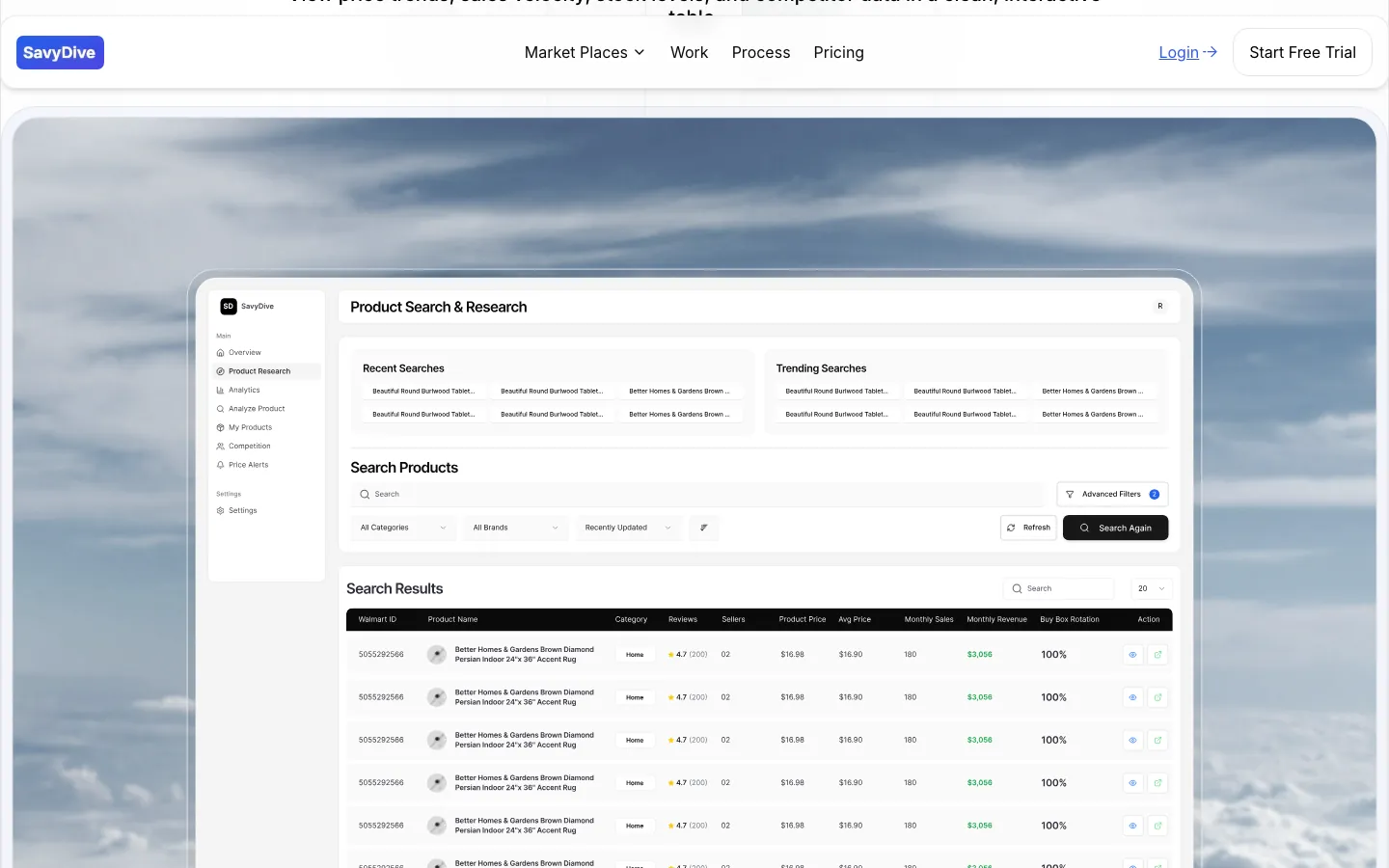
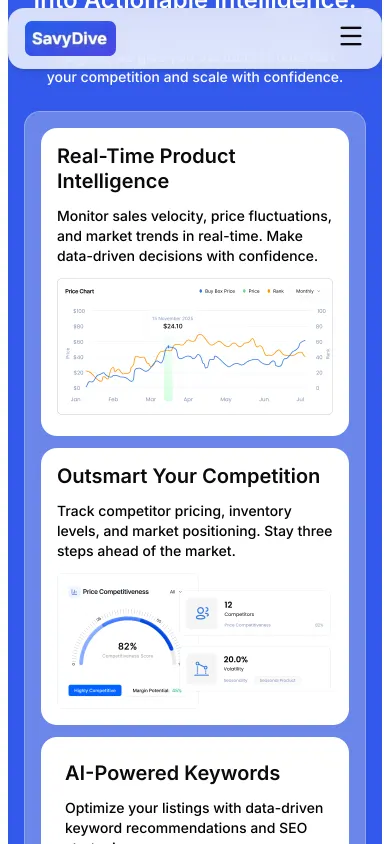
Recent project
SavyDive
SaaS product
Product research dashboard. A data-rich research dashboard that lets sellers search, filter and compare Walmart products in one table.
Read the case studyThe approach
A VPS gives you full control and a predictable cost, and in exchange you're responsible for everything on it. I keep the setup small and documented: key-only SSH, a closed firewall, automatic security updates, apps running as unprivileged users, and backups stored off the server. Fewer moving parts means less to maintain.
You work directly with me from requirements through launch. That keeps product context close to technical decisions and avoids the gaps that appear when strategy, interface, backend, and deployment are treated as separate problems.
What I can build
The scope is shaped around your users, operating reality, and the smallest responsible path to value.
A fresh Ubuntu server with a non-root user, SSH keys only, a firewall that opens just the ports the app needs, and automatic security updates.
Nginx in front of the app, serving static files and passing requests through, with free Let's Encrypt certificates that renew on their own.
Node.js apps kept running by PM2 or systemd, restarting after crashes and reboots, with logs rotated so the disk doesn't fill up.
MySQL, PostgreSQL or MongoDB installed and limited to local connections, with scheduled dumps copied to storage outside the server.
Setup
This is the standard build for a single-server web application. Larger setups add a separate database server or a load balancer.
| Component | What I configure |
|---|---|
| Operating system | Ubuntu LTS, fully updated, with automatic security patches |
| Access | A named admin user and SSH key login only, with root and password logins disabled |
| Firewall | Only SSH, HTTP and HTTPS open, with brute-force protection on SSH |
| Web server | Nginx as a reverse proxy, with compression, caching headers and HTTP to HTTPS redirects |
| SSL | Let's Encrypt certificates with automatic renewal, tested with a dry run |
| App runtime | Node.js or PHP-FPM, with each app run by its own user under a process manager |
| Database | Installed, secured and bound to local connections, with nightly dumps copied off the server |
| Deploys | A script or pipeline that pulls a release, installs, builds and reloads without manual steps |
VPS or not
A VPS makes sense when you want one predictable monthly cost, when the app needs things serverless platforms handle poorly, like long-running jobs, websockets or a database next to the code, or when you want several small apps on one machine. It also keeps you free of any one platform's way of doing things.
It's the wrong choice when nobody will look after the server. Updates, disk space, backups and certificates need attention every month. If that isn't going to happen, a managed platform costs more per month but asks less of you, and my Cloud Deployment page covers that route.
Providers
Both work well for web applications, and I set up servers on either. DigitalOcean has a polished control panel, managed databases, snapshots and a large library of setup guides, which helps if someone else will manage the server later. Contabo gives more CPU, memory and disk for the money, which suits resource-heavy apps if you're comfortable with a plainer panel. I recommend one based on your app and the server plans available when we start.
Upkeep
After launch, a server needs regular care: package and runtime updates, checks on disk space and memory, confirmation that backups are running and restorable, and a look at failed login attempts. I document how each of these is done, so you can do it yourself, hand it to someone else, or keep me on monthly maintenance.
What the work should create
Pricing
How pricing works
Client feedback
Reviews from clients I have worked with remotely, quoted as they wrote them.
The process
You get a senior engineering partner—not a black box. The process stays direct, collaborative, and focused on outcomes.
Clarify the problem, users, constraints, and measure of success.
Shape the right product, technical plan, and delivery path.
Create in focused iterations with quality visible at every step.
Test, deploy, measure, and improve with confidence.
Common questions
Yes. I provision and configure servers on both for web application workloads, and I can also work on a VPS you already have with another provider.
No. It's a good fit when control and a predictable bill matter. Managed cloud services may be better if your team wants less server responsibility or your traffic swings widely.
Yes. Each app gets its own user, process and Nginx site, so one can be updated or restarted without touching the others, as long as the server has enough memory for all of them.
When it helps, for example when the app already ships with a Dockerfile or several services need to run side by side. For a single Node.js app, a process manager and Nginx are often simpler to maintain.
The cost depends on how many sites and services the server runs, the security and backup setup, and whether you want automatic deployments; a fix on an existing server is far smaller than a full setup. The server itself is billed by the provider to your account, not through me.
You own the provider account. I use my own SSH key while I work, and you can remove it whenever you like.
15 days of free support after launch, then monthly maintenance or per-task help. Payment is 50% to start and 50% once the app is live on the server and you've checked it.
Start a conversation
Tell me what you’re building, where you are in the process, and what success looks like. I’ll get back to you with a clear next step within 24 hours.
ali@bealinawaz.com