AI copilots inside existing software
An assistant panel inside your app that drafts, explains or suggests, using the record the user is looking at as context.
Engineering service / Ali Nawaz
I add AI features to software and workflows you already have: drafting replies, pulling fields out of documents, sorting incoming requests, summarizing long records, and answering questions from your own content. The feature runs on your server, calls a model provider's API, and shows up inside the screens your team or customers already use.
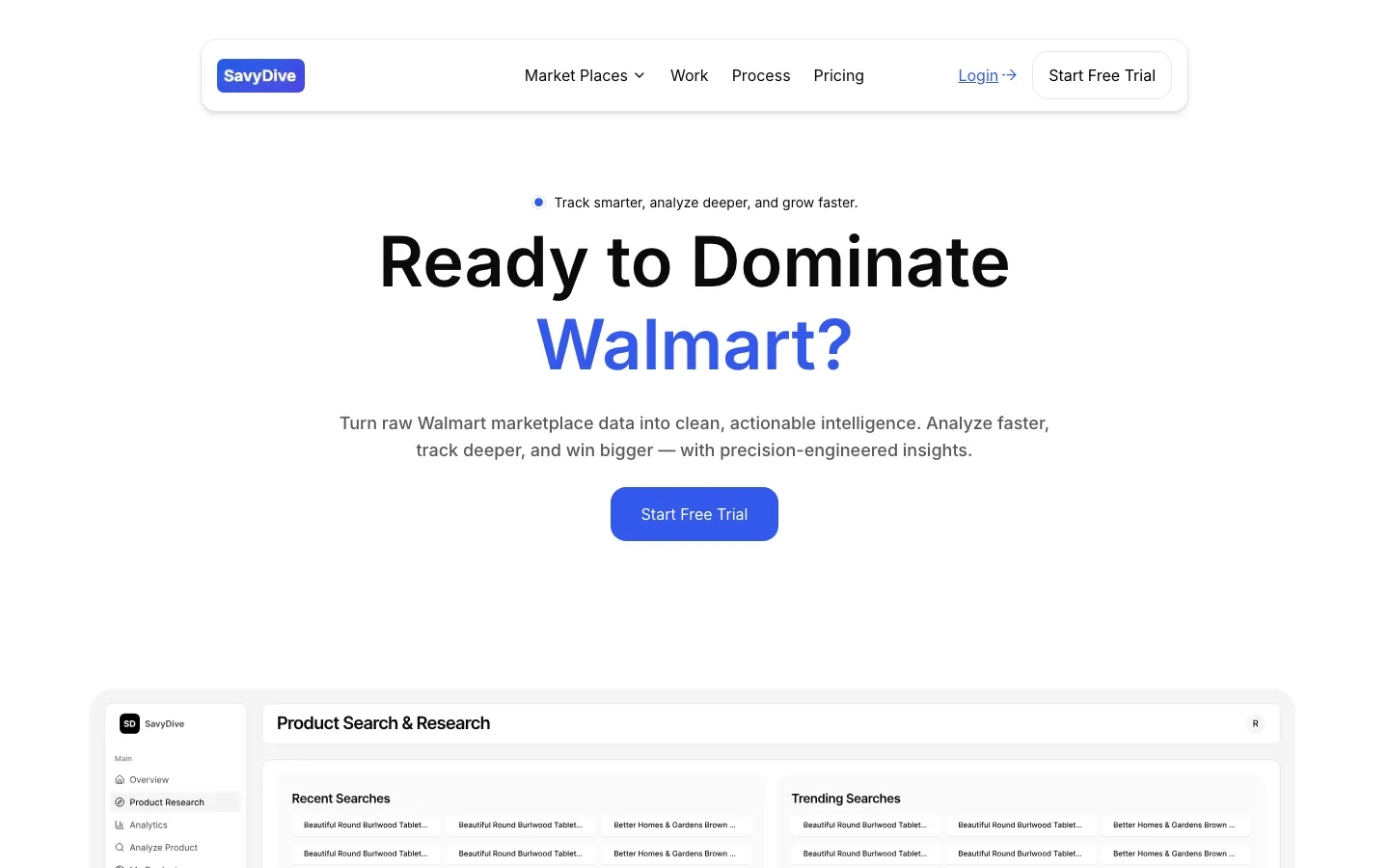 Enlarge screenshot: SavyDive homepage hero
Recent project
SavyDive
SaaS product
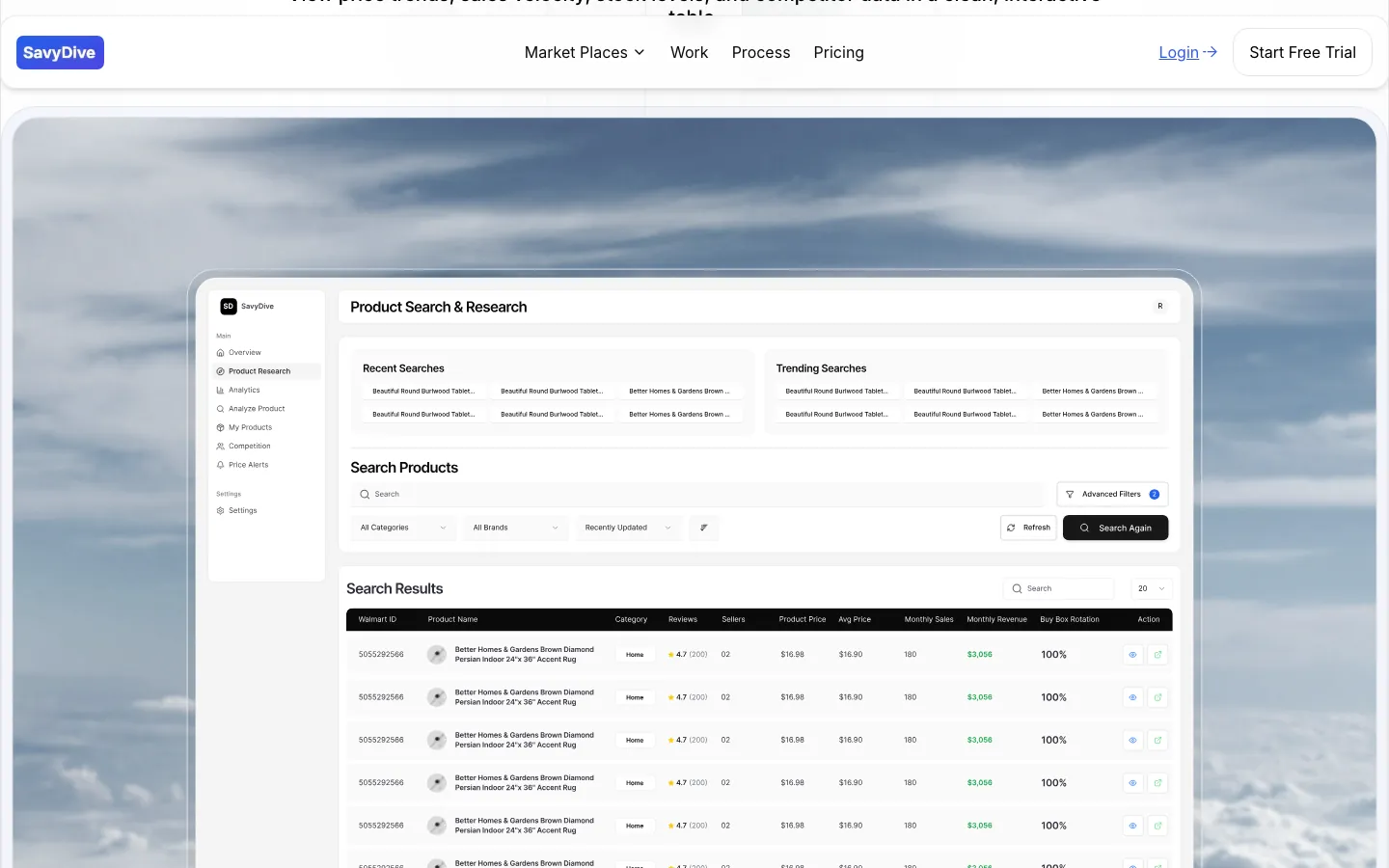
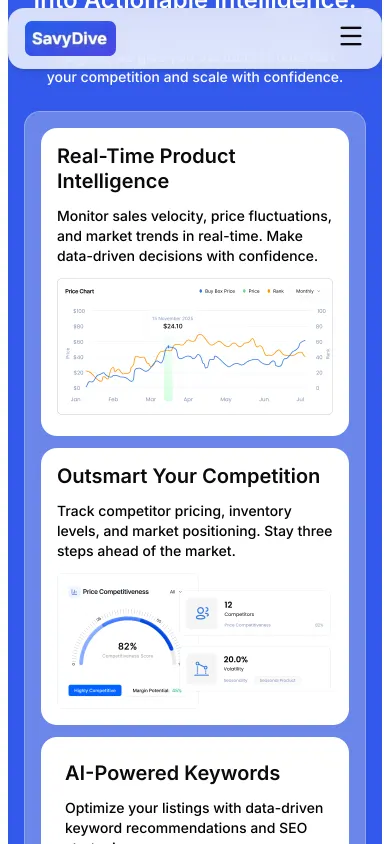
Product research dashboard. A data-rich research dashboard that lets sellers search, filter and compare Walmart products in one table.
Read the case studyThe approach
I start by picking one bounded task with a clear way to tell good output from bad. Then I build a set of real examples, test the approach against them, and ship only when the results hold up. Context, output format, human review, data privacy, speed and cost are designed in, so the integration behaves like any other feature rather than a demo.
You work directly with me from requirements through launch. That keeps product context close to technical decisions and avoids the gaps that appear when strategy, interface, backend, and deployment are treated as separate problems.
What I can build
The scope is shaped around your users, operating reality, and the smallest responsible path to value.
An assistant panel inside your app that drafts, explains or suggests, using the record the user is looking at as context.
Fields pulled from invoices, forms, contracts or emails into structured data, with anything uncertain flagged for a person to check.
Incoming tickets, leads or orders sorted into categories and sent to the right person or queue.
First drafts of product descriptions, replies or research notes based on your own data, edited by a human before anything is published.
Where to start
These tasks tend to work well as a first integration, because success is easy to check.
| Task | What it needs from you |
|---|---|
| Sorting support tickets or leads | Past examples with the category or owner each one should have gone to |
| Extracting fields from documents | A sample of real documents and the fields you need from each |
| Summarizing long records | Examples of a good summary, written by someone who knows what matters |
| Answering questions from your content | The documents or help articles the answers should come from |
| Drafting replies | Your tone guide and a set of replies you consider good |
| Tagging products or content | Your category list and a set of items that are already tagged |
Process
First, we choose the task and define success in plain terms, for example: the right category for most tickets, with uncertain ones flagged instead of guessed. Second, you give me a sample of real inputs, and I turn it into a test set with the answers you'd expect. Third, I build a prototype and run it against that set, so we see actual results before any interface work.
If the results are good, I build it into your app behind a switch, release it to a few users and log the outputs. If they aren't, we've learned that cheaply. Sometimes plain code or a search index does the job better than a model, and I'll say so.
Structured output
When an AI result feeds your database or triggers an action, free text isn't good enough. OpenAI's and Anthropic's APIs both offer structured output modes that constrain a response to a JSON schema you supply. I use them, then still check business rules in code, such as line items that must add up to the total.
When a result fails validation, the feature retries, falls back to a simpler path or routes the item to a person. It never writes a guess into your records silently.
Data and cost
Sending customer data to a model provider is a decision you should make knowingly. I check the current data terms for the provider we pick, and send only the fields the task actually needs.
Running cost depends on the model, the volume and how much text goes into each request. I estimate it from your real volumes before building, keep the context small, cache what repeats, and add per-user limits so a bug or an abusive user can't run up the bill.
What the work should create
Pricing
How pricing works
Client feedback
Reviews from clients I have worked with remotely, quoted as they wrote them.
The process
You get a senior engineering partner—not a black box. The process stays direct, collaborative, and focused on outcomes.
Clarify the problem, users, constraints, and measure of success.
Shape the right product, technical plan, and delivery path.
Create in focused iterations with quality visible at every step.
Test, deploy, measure, and improve with confidence.
Common questions
Usually not. The integration sits behind an API on your server and appears inside the current workflow, so the rest of the app stays as it is.
With context from your own data, constrained output formats, validation in code, clear cues for users, human approval where mistakes are costly, fallbacks, and testing against real examples.
It depends on the task, your data rules and cost. I keep the provider behind one layer in the code, so switching later doesn't mean rewriting the feature.
OpenAI and Anthropic both say API data isn't used for training by default. Retention and regional processing vary by provider and plan, so I confirm the current terms before we send real data.
Model usage is billed to your own provider account, separately from my fee. You get a fixed quote in US dollars and an estimate of monthly usage based on your volumes.
Yes. On WordPress, a custom plugin calls the model API from the server; on Shopify, a custom app does the same alongside Shopify's APIs. In both cases the API key stays on the server, never in the browser.
You get 15 days of free support, and I suggest reviewing a sample of real outputs during that time. Further tuning or new tasks run as monthly maintenance or per task.
Start a conversation
Tell me what you’re building, where you are in the process, and what success looks like. I’ll get back to you with a clear next step within 24 hours.
ali@bealinawaz.com