WordPress redesign on your current platform
A new design and layout on the WordPress site you already run, keeping your content, your URLs and your admin logins.
Engineering service / Ali Nawaz
I do WordPress website redesign and Shopify store redesign for owners whose site looks dated, loads slowly or no longer fits the business. You work with one developer from the first audit to launch day, and your existing Google rankings are treated as an asset to protect, not an afterthought. Every project starts with a free audit and ends with a fixed quote in US dollars. Whether your site needs a fresh coat of design, a new theme or a full rebuild, I'll tell you which one and why.
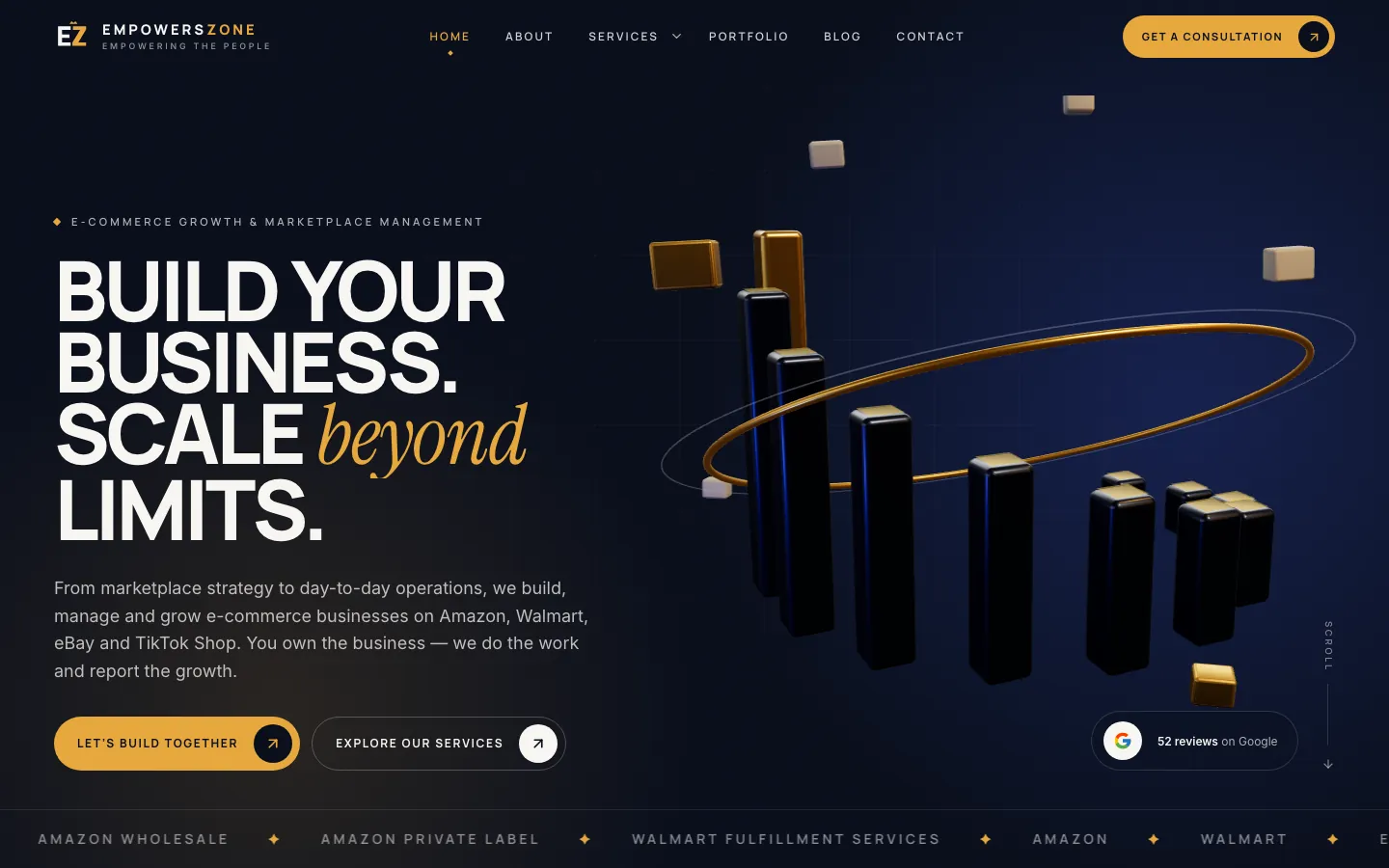 Enlarge screenshot: Agency homepage with 3D hero
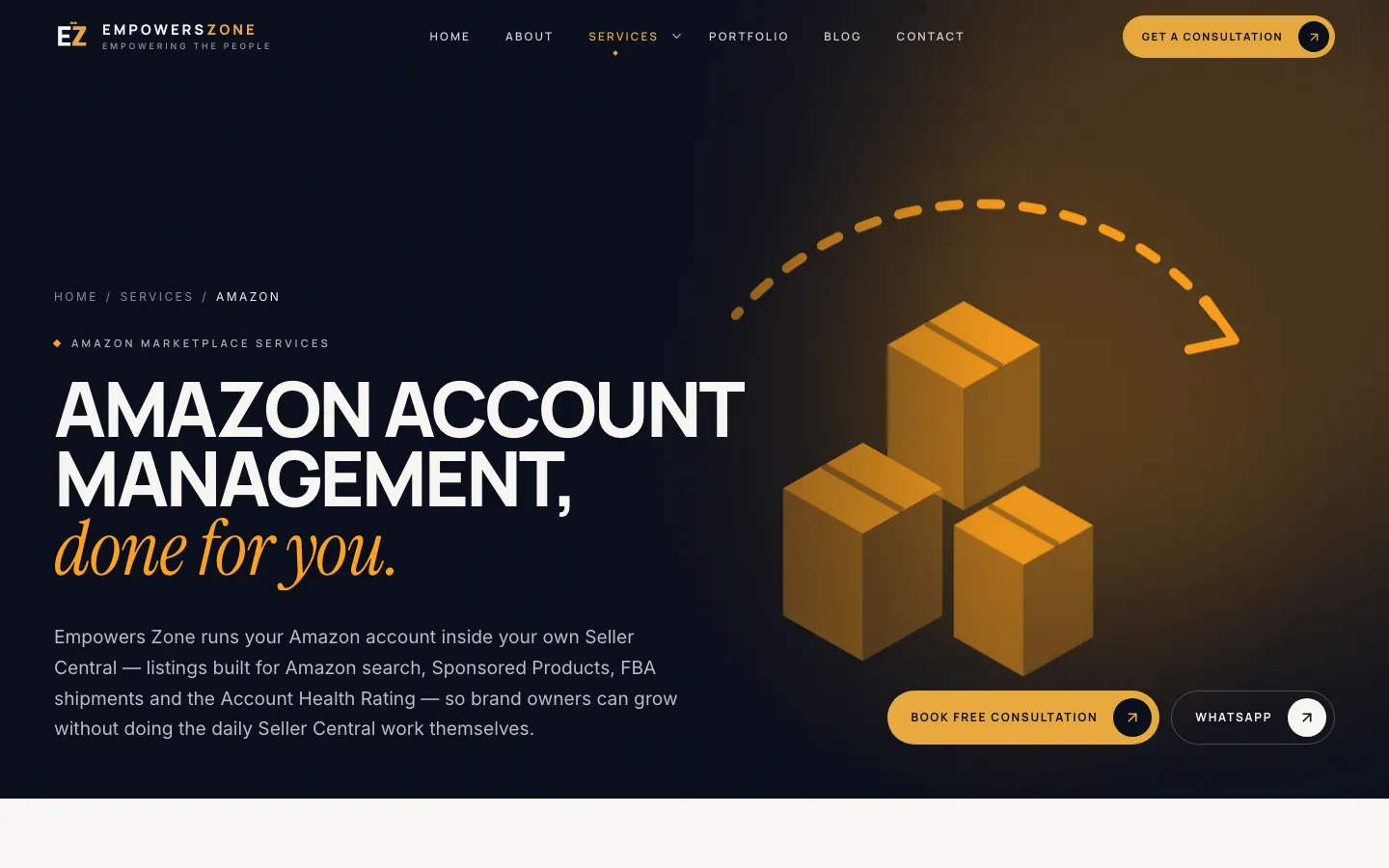

Recent project
Empowers Zone
React website rebuild
Amazon service page. One of the prerendered service pages, written for one clear purpose: Amazon account management.
Read the case studyThe approach
Most redesign damage doesn't come from the new look. It comes from changed URLs, deleted pages and rewritten content that nobody checked against what Google already shows for your site. A new design on the same addresses, with the same useful content, tends to keep what you have earned. A new design on different addresses with no redirects throws it away.
So I start from data, not from mockups. First I get the list of URLs your site has in Search Console and in its sitemap, plus the pages that bring in visitors today. Design decisions come after that list is on the table. I can't promise rankings, because nobody can, but I can make sure nothing disappears by accident.
You work directly with me from requirements through launch. That keeps product context close to technical decisions and avoids the gaps that appear when strategy, interface, backend, and deployment are treated as separate problems.
What I can build
The scope is shaped around your users, operating reality, and the smallest responsible path to value.
A new design and layout on the WordPress site you already run, keeping your content, your URLs and your admin logins.
Moving a slow multipurpose-theme and page-builder site to a lighter build: either a cleaner WordPress theme or a prerendered React site.
A new look and layout for your store, built in an unpublished theme so the live store keeps selling while I work.
Moving an older store to a theme with sections on every page, so your team can edit pages without a developer.
A written list of what to keep, merge, rewrite or retire, based on your Search Console data and your sitemap.
Every old URL sent to its new home, then tested on launch day.
Which option
Owners often ask for a redesign when they need something smaller, or a rebuild when a redesign would do. This is how I separate the options.
The audit tells us which row you are in. If a refresh will do, I'll say so, even though it is a smaller job.
| Option | When it fits |
|---|---|
| Refresh | The code and structure are fine, but the styling is tired. Same theme, new colours, type, images and spacing. |
| Redesign | The layout and look no longer fit the business, but the platform is right. New design, same platform, same content where it works. |
| Rebuild | The theme or code base is the problem: slow page-builder layers, plugins fighting each other, or a theme nobody can edit. New code base or theme from scratch, content carried across. |
| Replatform | The platform itself is wrong for the business. This is a migration, not a redesign. See the WooCommerce to Shopify and Shopify to WooCommerce services. |
WordPress
A WordPress redesign has three common routes, and the right one depends on who edits the site and how much it has grown.
A custom theme. Built for your content, with only the code the site needs. It's the lightest option and gives the most control, but a developer maintains it.
A block theme. WordPress's own site editor and blocks. Your team can change layouts without a page builder, and there is less to keep updated.
Elementor or another page builder. The quickest for a team that already edits in it. The cost is extra weight on every page, which I keep down by trimming unused widgets and scripts.
During a redesign I also look at plugin weight. Many older sites carry plugins that were installed for one task and never removed. Each one is a cost in speed and a risk at the next update, so I list what is active, what each one does, and what can go. I build the new layout so that editing stays simple for your team: reusable sections, clear fields, and no need to call me to change a headline.
For how the theme itself is built, see WordPress theme development. For brand-new sites rather than replacements, see WordPress website development.
Shopify
For a Shopify store redesign there are two routes. One is a custom theme written for your brand. The other is a start from an existing Shopify theme, adapted to your catalogue and brand. The first suits a brand with a clear look and specific features. The second suits a store that wants a polished result with less to maintain. I'll say which I'd choose after seeing your products and how you sell.
Either way, the work happens in an unpublished theme, so the live store keeps taking orders while I build. When the new theme is ready, you preview it, and I publish it. The previous theme stays in your library, which gives you a quick way back if something is wrong. I also go through your apps. Some are worth keeping and some can be replaced by sections and blocks in the theme. Apps that stay get their app blocks added back where they belong, so nothing silently vanishes from your pages.
The House of Noire is a public example: a full redesign with a Shopify theme written from scratch. The case study is further down this page. For how themes are built, see Shopify theme development.
SEO-safe process
This is the checklist I follow, and it is also the one you can hold any developer to.
1. Crawl and export. Crawl the live site and export the URL list from Search Console and the sitemap. This is the list of what exists and what Google already knows.
2. Keep or map every URL. Each old URL gets a decision: it stays at the same address, or it moves to a named new page.
3. 301 to the matching page, 410 for retired pages. A page that moves gets a permanent redirect (301) to its closest match. A page that is gone for good and has no equivalent returns 410 Gone, not a redirect to the homepage.
4. Keep what ranks. Titles, H1s and body content on pages that bring traffic stay unless there is a reason to change them. Wording changes happen on purpose, not as a side effect of the design.
5. Staging review. I build and test on a staging copy. You review it before any change reaches the live site.
6. Launch-day checks. Right after launch I check status codes on old and new URLs, the sitemap, robots.txt and canonical tags. You can run the same checks with the free redirect checker, and migration redirect generator helps you build a redirect list.
7. 15 days of monitoring after launch. I watch Search Console for crawl errors, dropped pages and new 404s, and fix what shows up.
For more on how redirects behave when a store changes platform, read WooCommerce to Shopify redirects and WooCommerce to Shopify SEO.
Proof
Empowers Zone (November 2026). I redesigned and rebuilt the site, and I'll be plain about the platform: it moved off a WordPress theme and Elementor onto a custom React and Vite site, with every page prerendered to static HTML. It is not a WordPress-to-WordPress redesign. The new site has 45 pages. Every old URL from Search Console was mapped to either a 301 redirect to the matching new page or a 410 Gone where no equivalent existed. Blog posts were rebuilt at their original addresses, so they needed no redirect, and the old sitemaps now lead to the new one. The client hired me directly, with no agency. Read the case study.
The House of Noire (2026). A women's clothing brand in Islamabad. I redesigned the store and built its Shopify theme, Noire Atelier, from scratch. Features such as the cart drawer, announcement bar and size guide are built into the theme instead of added through apps. The store was handed over so the brand can add products and rearrange home page sections itself. Read the case study.
I don't publish before-and-after traffic figures for either project, because I won't quote numbers I can't show you. What you can check is the structure: the pages exist, the redirects work, and you can test them yourself.
Launch
You get the finished site, content you can edit without me, and a short handover covering how to change the main sections. Every project includes 15 days of free support after launch. If you want ongoing care after that, see WordPress maintenance or Shopify maintenance.
What the work should create
Pricing
How pricing works
Client feedback
Reviews from clients I have worked with remotely, quoted as they wrote them.
The process
You get a senior engineering partner—not a black box. The process stays direct, collaborative, and focused on outcomes.
Clarify the problem, users, constraints, and measure of success.
Shape the right product, technical plan, and delivery path.
Create in focused iterations with quality visible at every step.
Test, deploy, measure, and improve with confidence.
Common questions
Start from what Google already knows about your site. Export your URLs from Search Console and your sitemap, keep the pages that bring traffic at the same addresses where you can, and send every changed address to its closest match with a 301 redirect. Keep titles, headings and content that rank, check status codes on launch day, and watch Search Console for 15 days afterwards. No developer can guarantee rankings, but this process keeps you from losing them through avoidable mistakes.
If the theme and code are sound and the problem is how the site looks, a redesign is enough. If the site is slow because of a heavy theme and page-builder layers, or plugins conflict, a rebuild on cleaner code usually pays off. The free audit settles it. I rebuild slow theme and page-builder sites either as a cleaner WordPress site or as a prerendered React or Next.js site, and I explain which I would choose and why.
Yes. I build the new design in an unpublished theme, so your live store keeps running. You preview the new theme, and when you approve it, it is published. The old theme stays in your library, so you can switch back if you need to.
Where possible, no. Pages that bring traffic keep their addresses. If an address has to change, the old one gets a 301 redirect to the matching new page, and pages with no equivalent return 410 Gone. You see the full redirect map before launch.
It depends on the number of pages, the amount of custom work and how fast content and feedback arrive. You get a written timeline with your quote, so you know the schedule before anything starts.
Every redesign gets a fixed quote in US dollars after a free audit of your current site. You know the full price before work begins. Payment is 50% to start and 50% on delivery.
Yes. The new site is built so your team can change text, images, products and sections without a developer. At handover I show you how, and the 15 days of free support cover questions that come up in the first weeks.
Start a conversation
Tell me what you’re building, where you are in the process, and what success looks like. I’ll get back to you with a clear next step within 24 hours.
ali@bealinawaz.com